

Free Calendar Designs Mockups – PSD, (PROTOTYPE)
Calendar Designs Mockups – PSD
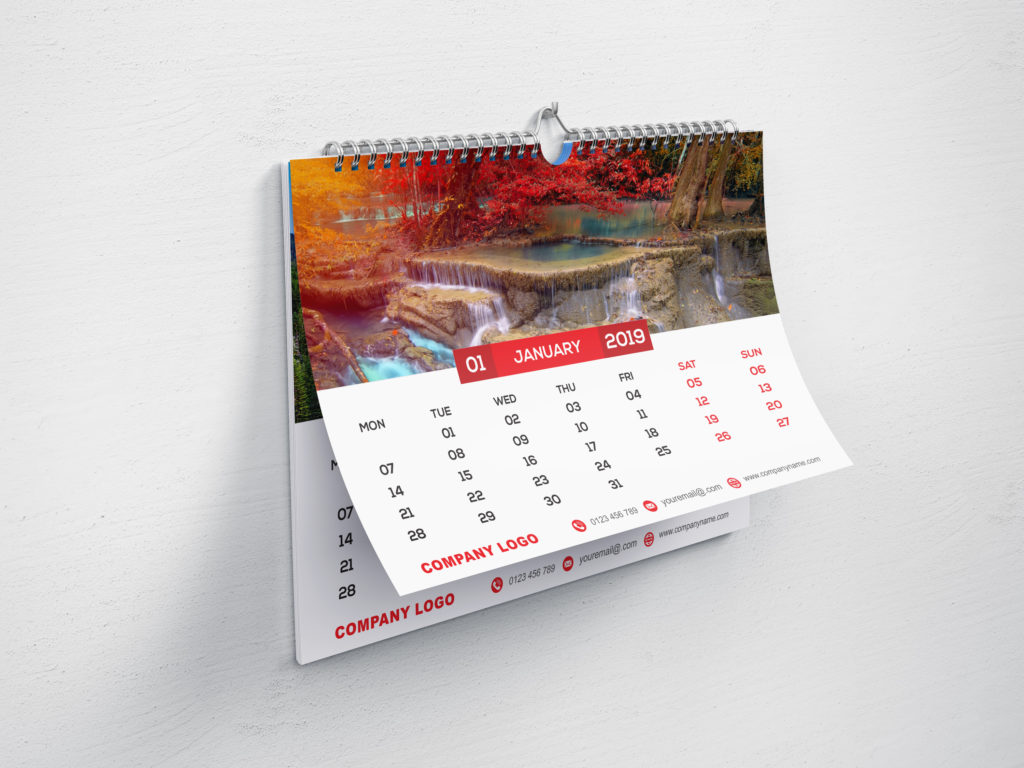
Free Calendar Design
Calendars have been in use for over a long time period. Time changed and the calendar too has taken a new structure but the use is still the same. A calendar is a system to keep track of days, religious, social, private or commercial activities. It can give you great value for a few pounds and give you the flexibility to keep things updated. Calendars in the marketing industry can offer an effective way of bringing the name of your business in front of the people.
The trade organization, ASI, capitalized research on the effectiveness of promotional products. Calendars provide about 228 impressions per month.
It means that someone is looking at your calendar 7.5 times a day. Also, almost 5 different people look at your calendar every month.
These figures show that the calendar can be an effective way of marketing because people will look at them many times in a day.
All around the industry, the average cost per impression of calendars is $0.005. So, paying almost half a cent per impression. It can be a good strategy to promote your products.
We are happy to inform you that we are providing free Mockup designs for your calendar printing requirements. We provide you free calendar design prototypes which you can use for promotional purposes.
The calendar can feature your brand name, favorite designs, attractive logos or anything you want to print.
Some of the free calendar designs mockup with PSD:
-
A4 & A3 Wall Wiro calendar 2019 Mockup
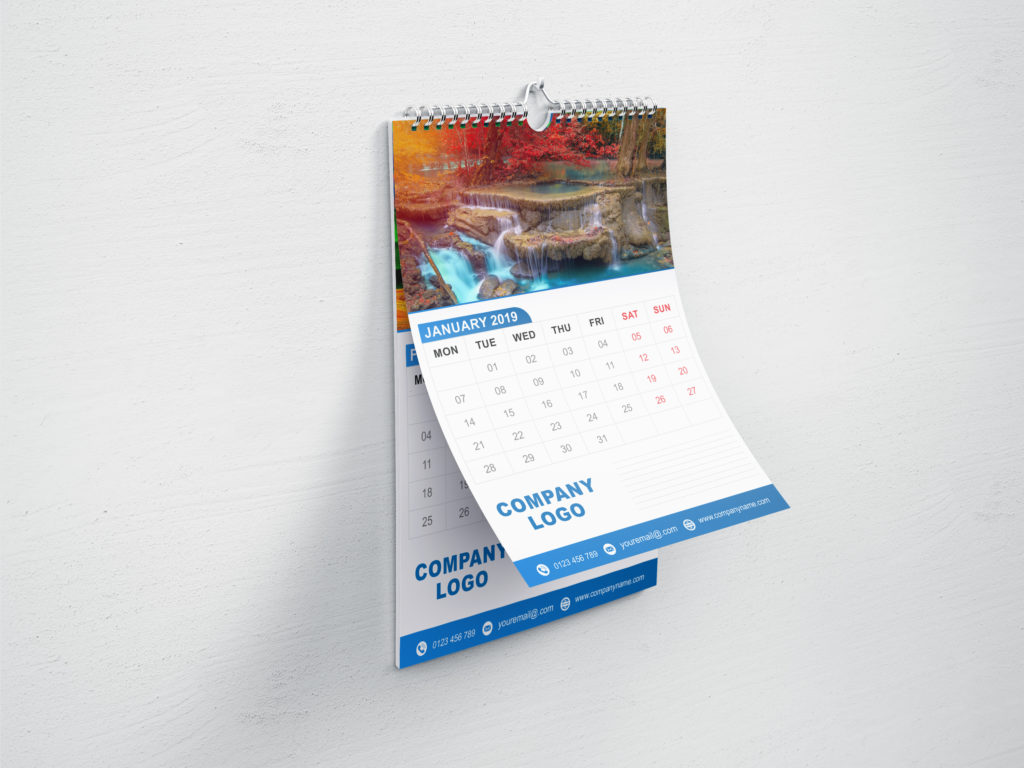
A4 Wall Wiro Calendar Design
DOWNLOAD – A4 & A3 Wall Wiro Calendar Design PSD
These are a high-quality run wall calendars with no comprise on the quality of sheets and board. The calendars have a backing board and steel wire bound with large semicircle hangars. Calendars can display the company logo at the bottom of the calendar. Other details like email address, phone number, etc can be printed.
-
Booklet Calendar Mockup 2019
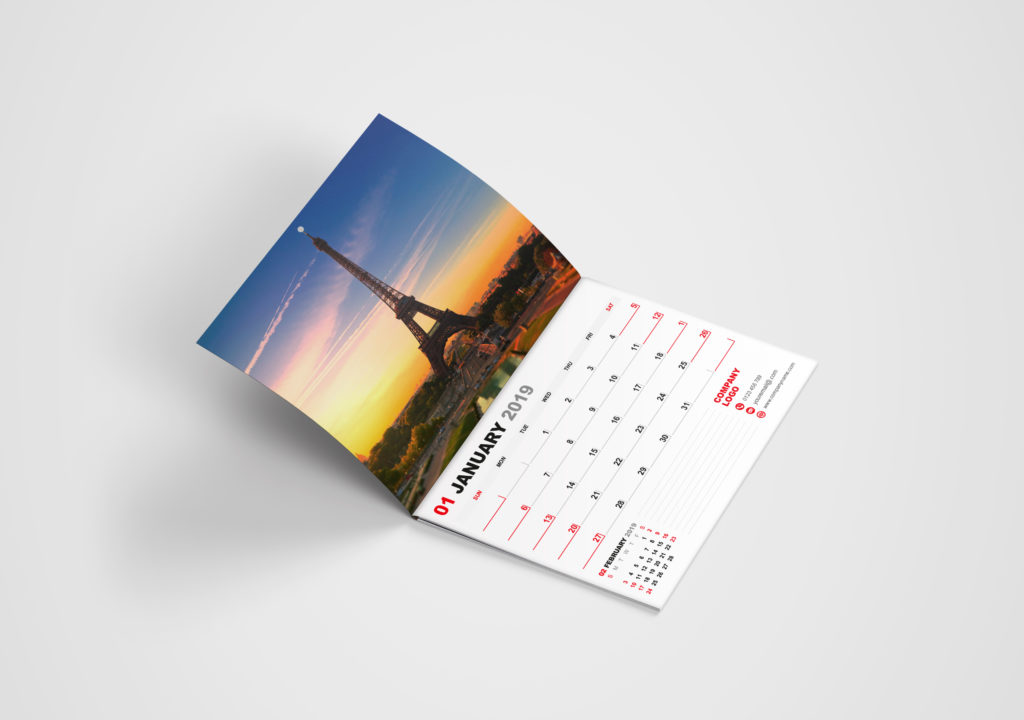
Booklet Calendar Design
DOWNLOAD – Booklet Calendar Design PSD
These are high-quality customizable booklet calendars. These calendars also come with backing board. A small date calendar for next month can be printed at the bottom left of the sheet. The opening leaf can have the image of your choice. At the bottom right, you can have the details of your company like email address, Phone numbers, etc. This is a nice way of highlighting your company details on every page.
-
A5 Desk Calendar 2019
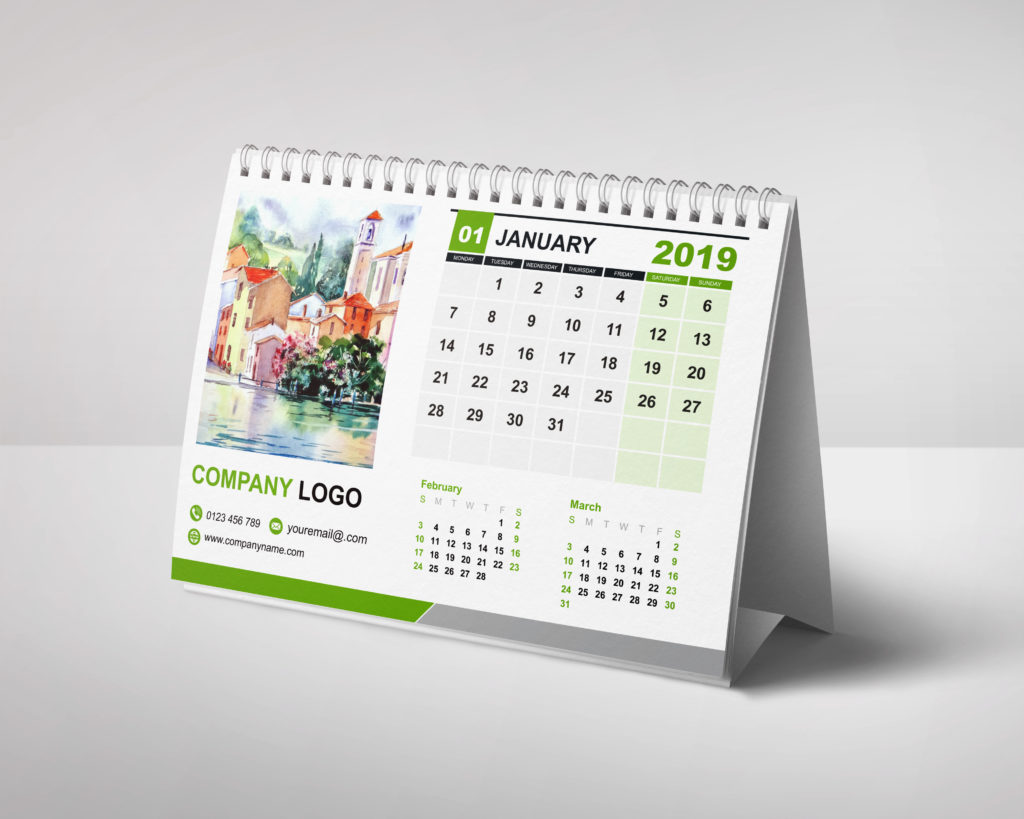
A5 Desk Calendar Design
DOWNLOAD – A3 Desk Calendar Design PSD
These are high quality easy to read A5 desk calendars. These will enhance the beauty of your desk whether it is an office desk or home furniture. The calendars are always close to your hand and your company logo can always be in view. Your company logo can be imprinted at the bottom of the image. Let us know and we will provide you free calendar design mockups.
-
A5 Tent Calendar 2019
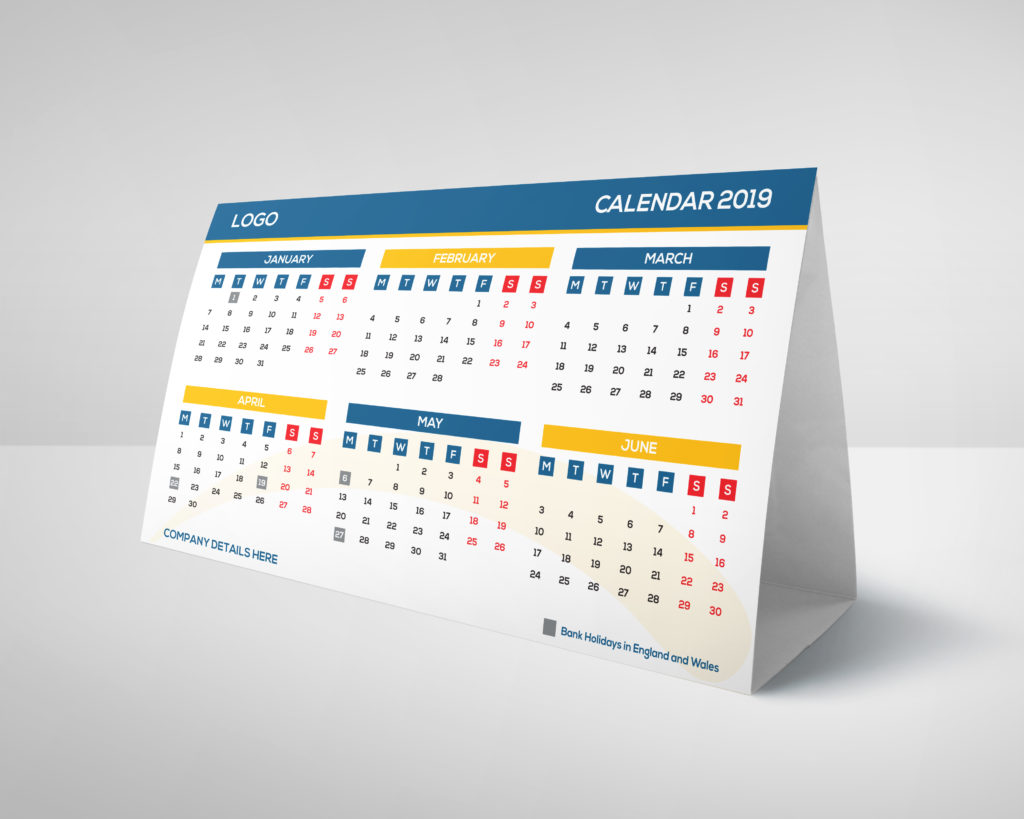
A5 Tent Calendar Design
DOWNLOAD – A5 Tent Calendar Design PSD
These A5 tent calendars are perfect for your office desk which can bring your company information in front of your customer. The design can easily grab the attention of everyone around. These are of high-quality Size: A5 and designs can be of your choice.
-
Booklet wiro calendar
Booklet Wiro Calendar Design
DOWNLOAD – Booklet Wiro Calendar Design PSD
These are high-quality booklet wiro calendars with no comprise on the quality of sheets and board. The calendars have a backing board and steel wiro bound with large semicircle hangars. Calendars can display the company logo at the bottom of the page. The information about your office can also be imprinted. What a nice way to represent your company information in front of others through these creatively designed calendars!
-
Fridge Magnet Calendar 2019
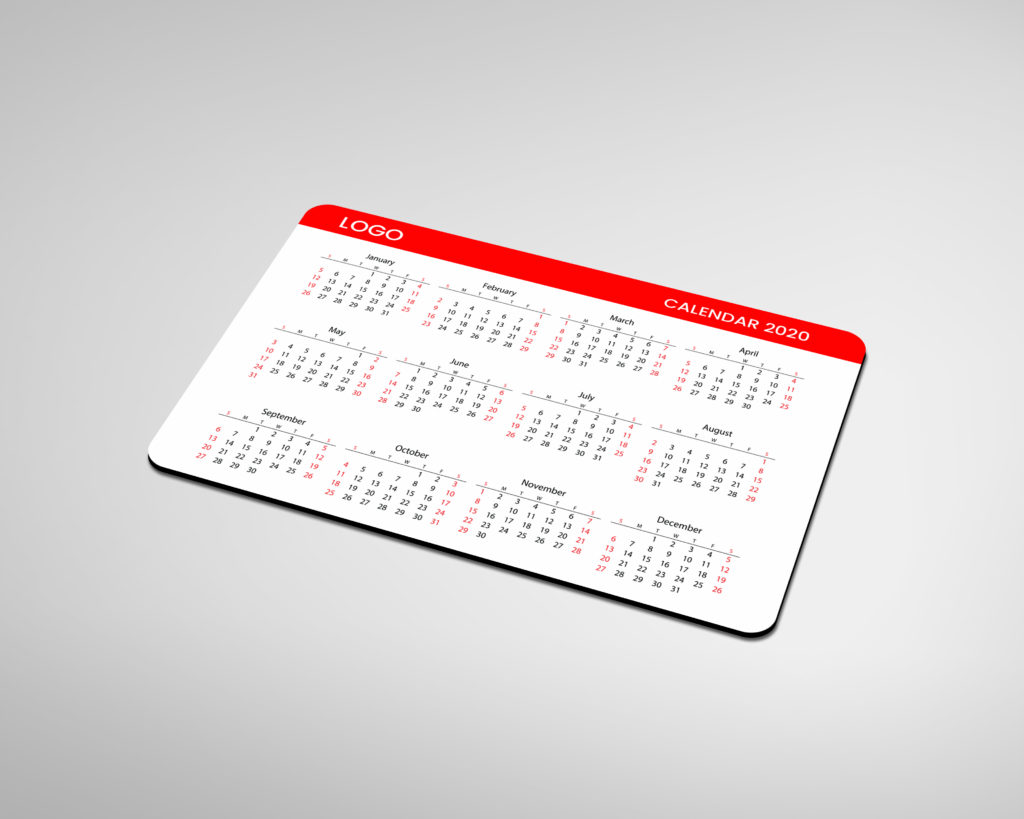
Fridge Magnet Calendar Design
DOWNLOAD – Fridge Magnet Calendar Design PSD
People love fridge magnets and collect them from the places they visit. But what if you have calendars as a fridge magnet? Unique, isn’t it? These are high-quality fridge magnetic calendar. These can be the spotlight of your business which can be attached to any fridge, oven, iron glass frames, etc. The calendars can be printed with your company logo and contact information.
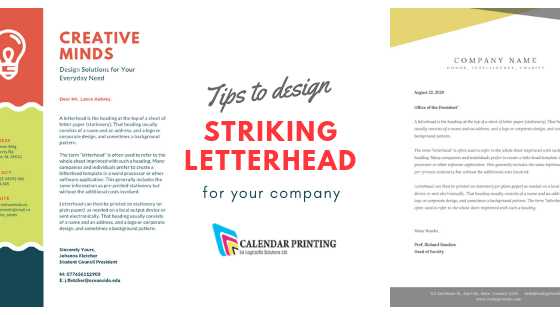
A professional and classy letterhead is vital for every business.
Not only does it serve the primary purpose of conveying a message to its recipient, but can also serve as a strong marketing and branding tool.
It can serve various other purposes such as the authenticity of the company, corporate identity, visual interest to the recipient along with contact information.
Given below are some tips to design an excellent letterhead for your business.
Reflect your brand
The letterhead must reflect your brand message. If your business sells a product or a service which his fun, you can get creative with your design. If you deal with legal services, you must stick to a serious and straightforward design. The letterhead should not deviate from the nature of your business.
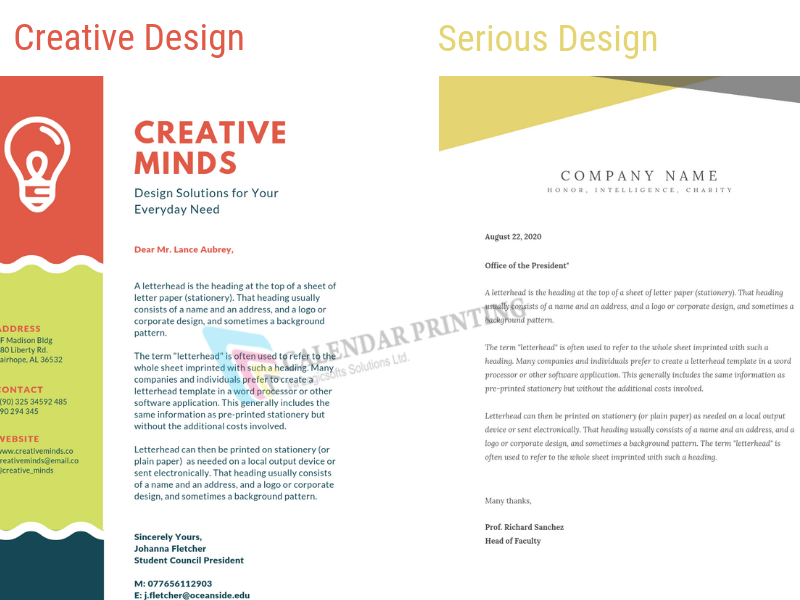
Content
The content you decide to put on your letterhead along with its hierarchy plays an important part. You must place our information and logo correctly. Your name, name of the business, address, and contact details are mandatory.
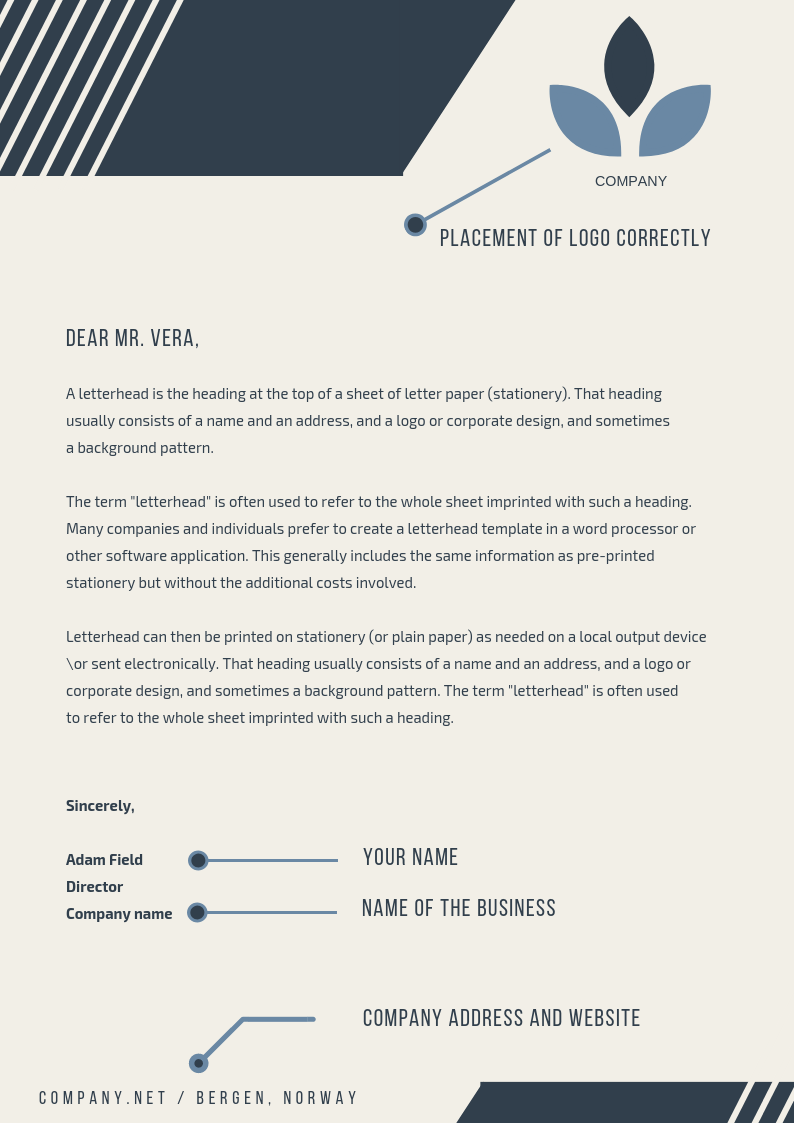
Spacing
You might end up overcrowding the letterhead if you don’t space your contents well. No one will read the content if it is stuffed. Placing is important, and you can use any side, corner or both of the page. You need not stick to one corner.
Typography
The typography you choose must reflect on your brand’s nature. You can use a mix of typeface and turn the information into an attractive design.
Colour
The traditional and ideal way of choosing colour combinations for the letterhead is by selecting your brand’s colour. If your brand has a bright colour, use it sparingly on your letterhead as it can overshadow the content of the letter.
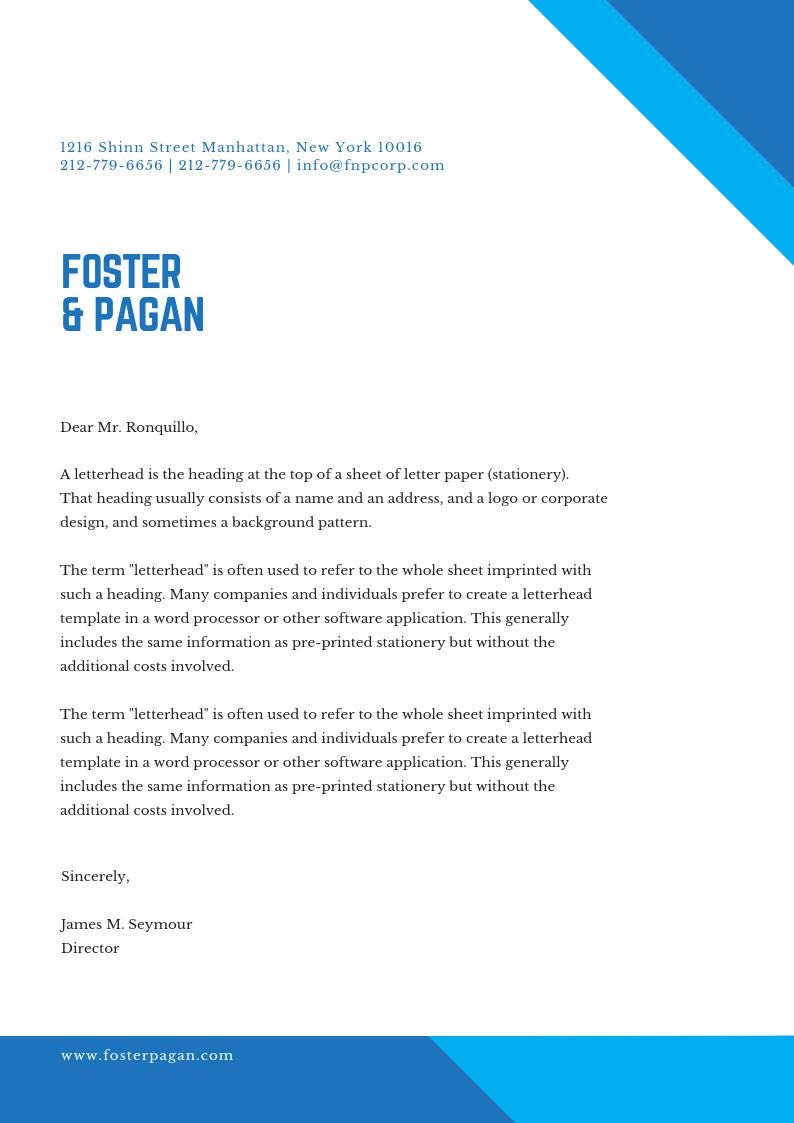
Paper
Invest well in the paper used for letterheads. Let it not be too cheap as it can look unprofessional. An excellent quality paper, such as textured or luxury paper, gives a great impression of the company. For example,
Letterheads 100-120gsm with good quality letterhead around 120gsm.
Watermark
Including watermark is a creative way of saving up valuable space and having an attractive letterhead simultaneously. Pay attention to the intensity of transparency so that it is visible and not distracting at the same time.
Imagery
Use meaningful imagery which is relevant to your brand. If it uses too much of space, you could add it as a watermark. Take a quick look at below image.
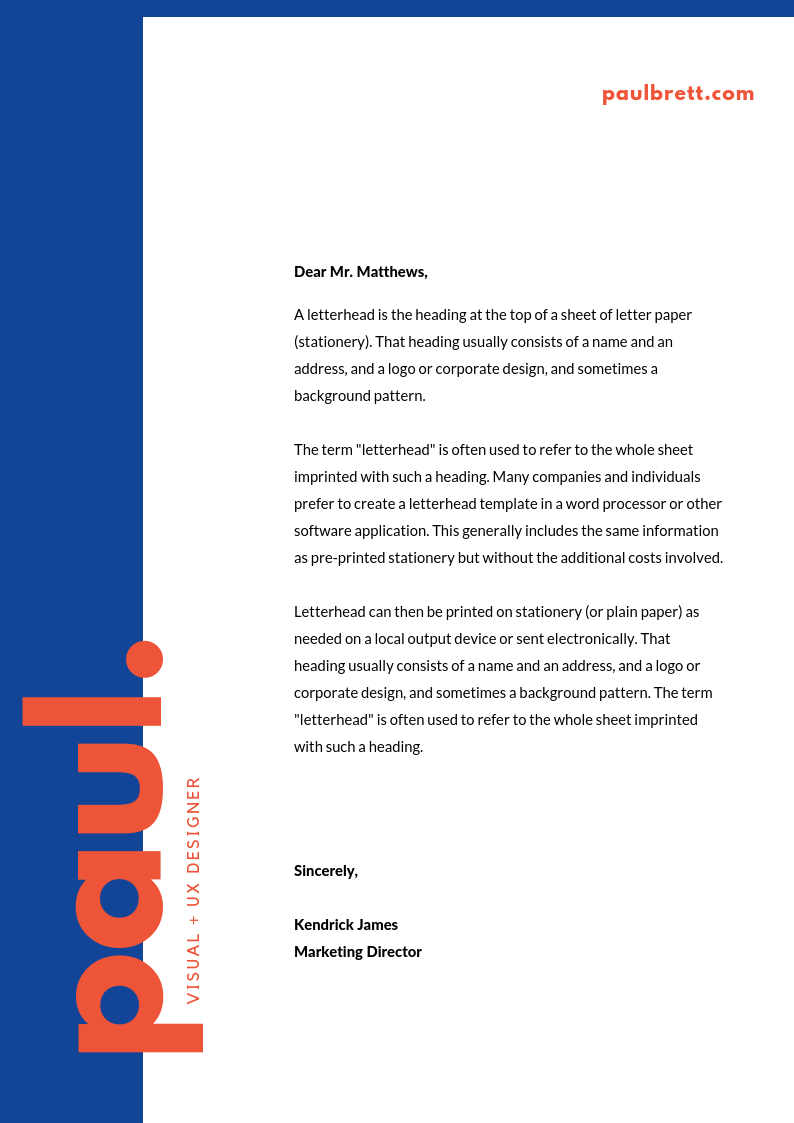
Legal information
All your legal information such as the business registration number, registered office address, registered country, goes at the bottom of the page in small font. This ensures that it does not interfere with the design. Also, include charity number if you are a charity and add ‘Ltd’ if you are a limited company.
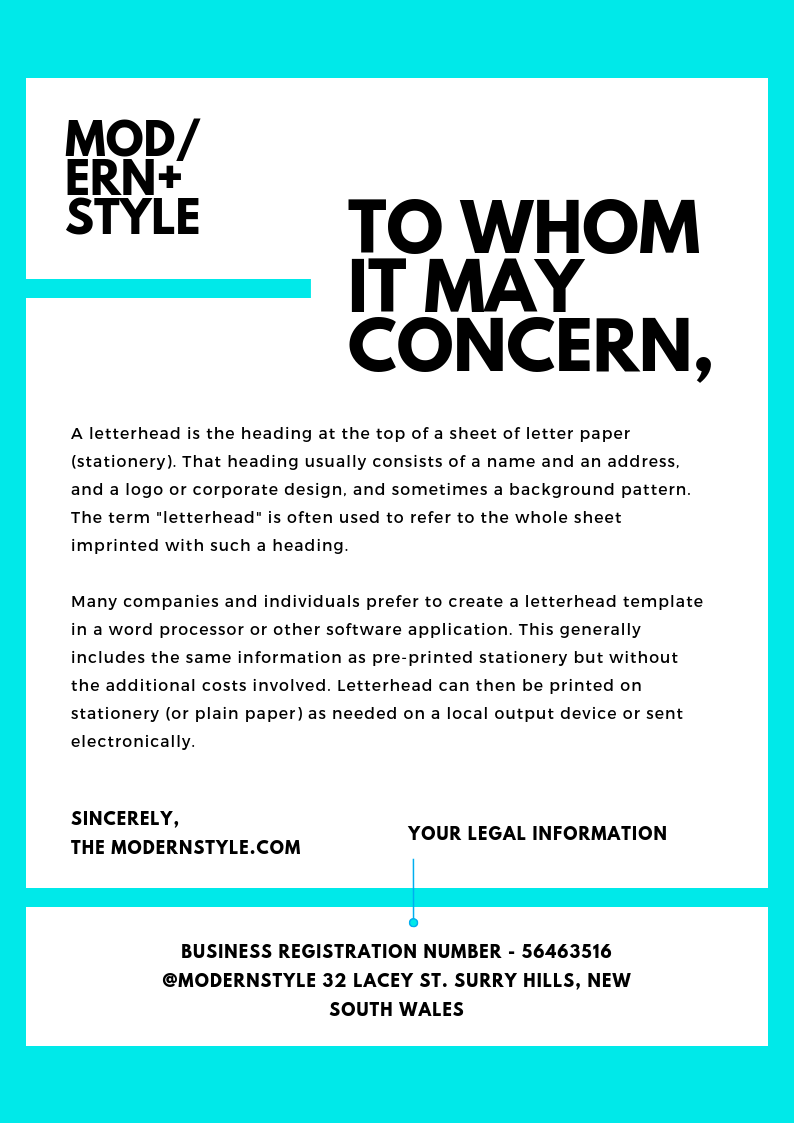
Reverse side
If you don’t have any contents on the reverse side of your letterhead, you can include patterns, shapes or even solid colours there. You can use your logo behind as well.

Logo
Including a logo on your letterhead can do more than featuring your brand. It has the potential to act as a marketing strategy without emphasizing your brand imagery.
These were some of the tips to design a letterhead. Above all, keep it simple and be creative.
You can also hire printing companies who also come up with various ideas to design letterheads.
Some of our interesting blogs to read
A Complete Guide On How To Become A Graphic Designer
7 Desktop Publishing Programs Which Are Cheap And Easy To Use
If you want superior quality digital and highly defined prints that are vivid in color and sharp in preciseness, finding the right type of printing paper is immensely essential.
After all, even the best and most proficient printers cannot compensate for substandard printing if the paper does not work in tandem with the printing process.
Here is why you need the right type of printing paper for your various printing requirements and the kinds of that are available.
There are various kinds of printing paper available including
- Standard: This is general printer paper that works well for letter heads and company presentations.
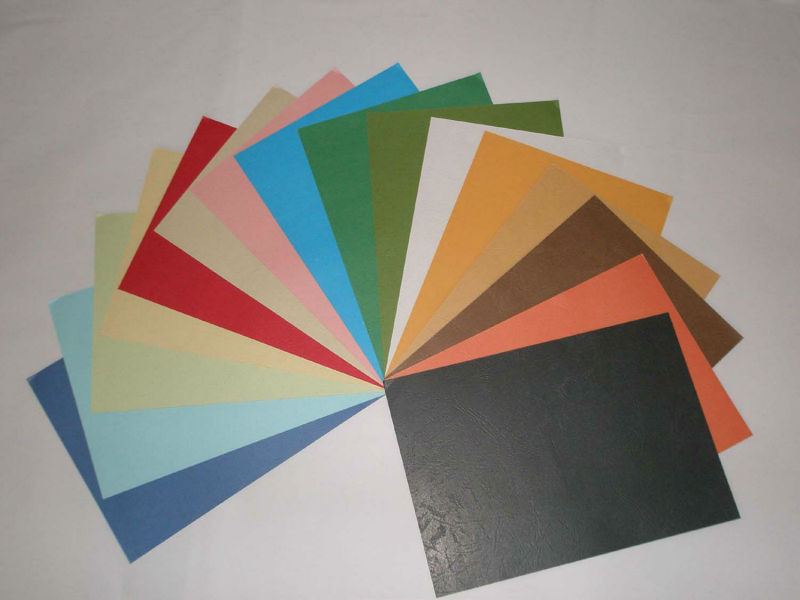
- Cover /Cardstock: It is thinner than paperboard but thicker than normal writing paper. It is found in various coatings, textures, finishes and colors.
- Kraft: Wood is turned into word pulp and is completely recyclable and strong. It is great for packaging and shipping.
- Vellum Bristol: It is fine quality, uncoated paperboard that is used for promotional material.
Why opting for the right type of printing paper is essential?
When you pick the right kind of printing paper for your printing requirements, you achieve high level digital printing which plays a vital role in the final print.
This in turn helps to bring out the textual and visual contents of the printed document in all its fascinating glory.
The type of printing paper you choose varies according to finish, processing type and weight. This, in turn, establishes its:
- Feel and durability: Which refers to the touch and strength of the paper
- Transparency: Which determines clearness and precision of text and images
- Thickness: Which depends upon the composition and processing of the paper
- Level of opaqueness: Which refers to how solid and thick it is
- Appearance: Which refers to overall look and form of the paper
- Weight: Which determines the final print effect
It ultimately determines the design of your publishing or graphic project.
What are the different types of printing paper?
When it comes to the type of printing paper you need to utilize, there are various options available. This includes the following.
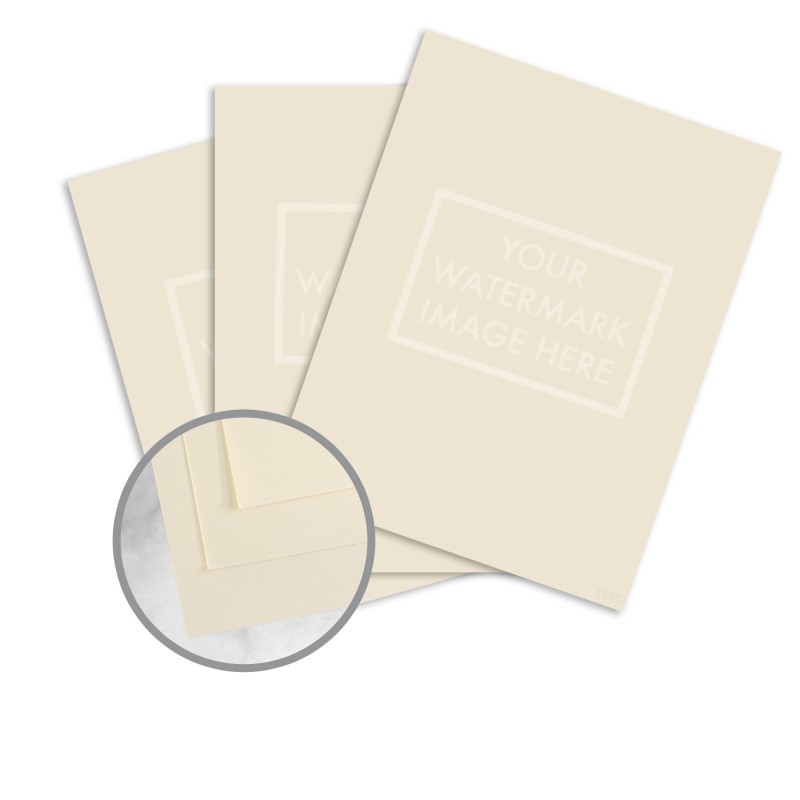
Watermarked paper:
This is usually an uncoated paper and is the easiest to recognize since it comes with a design stamped on its surface. It exudes a classy and graceful look. You can find these papers in the form of hammered papers, embossed papers and laid papers.
Recycled paper:
Recycled paper plays a part in helping the environment since it is made by using 60% and 100% recycled paper pulp. To make certain that recycled paper is truly eco-friendly in nature, you need to bleach white recycled paper without making use of any kind of polluted chemicals and it must contain virgin cellulose fibers from FSC certified forests.
Coated paper:
This type of printing paper comes with a smooth and glossy surface. It is generally created with the help of chemical additives. It can possess either a gloss or matt finish and is used for products that need superior color rendering. It is typically used for producing brochures, posters, magazines and business cards.
Special paper:
Special paper usually refers to papers and paperboards that that have gone through detailed and definite processes. This includes laminating, coating and other procedures that help you obtain highly innovative and tactile effects.
Taking into account paperweights
The kind of paper weight you choose will ultimately determine the final effect of the project.
- The 90-gsm paper: It is a natural, wood-free paper and comes under the uncoated paper category. It is great when printing large quantities of text since it leaves you with a light and thin printed document.
- The 130-gsm paper: Produces high quality color images and works great for printing glossy magazines, brochures, folded flyers and posters. It does not fade away easily as time passes by.
- The 170-gsm paper: It comes with a light paperboard and offers superior color as well as a pleasant texture. This paper works seamlessly for certificates, printing catalogues, posters and presentations.
- The 350-gsm paper: It is ideal for printing business cards, invitation cards, book covers and presentation folders. The paper comes with a semi-rigid paperboard and comprises of a thickness that is high on resilience and strength.
- The 380-gsm paper: This type of printing paper is dent and shockproof. It is cardboard that is typically used for rigid book covers, packaging and folders.
Related Blog: What is GSM & Why it is important in Paper Sheets?
Things to keep in mind
When you are opting from the various paper weights and types available, you need to particularly pay attention to the following.
- The durability of the paper: This is specifically true when you want long lasting prints. In this case, choose higher quality paper that comes with a heavier weight.
- The product you are printing: each category of products has a specific printing requirement.
- The impact you want to achieve: You need to choose paper depending upon the effect you want to go in for. This includes natural, sophisticated or original.
This is everything you need to know about the various kinds of printing paper available. Now that you are aware of the various aspects and elements that go into coming up with the perfect digital printed document, here’s hoping you use this to your advantage in all your present and future printing requirements.
The key to communicating effectively and creatively lies in the hands of a graphic designer.
Therefore, it is necessary to have an innate ability for creativity and imagination to become one.
You could either work in a firm or become a freelancer which requires time flexibility.
Many are confused about the educational qualifications and the average salary of a graphic designer.
So here is the complete guide to become a graphic designer along with the skills and educational qualifications needed.
Key skills essential to become a graphic designer
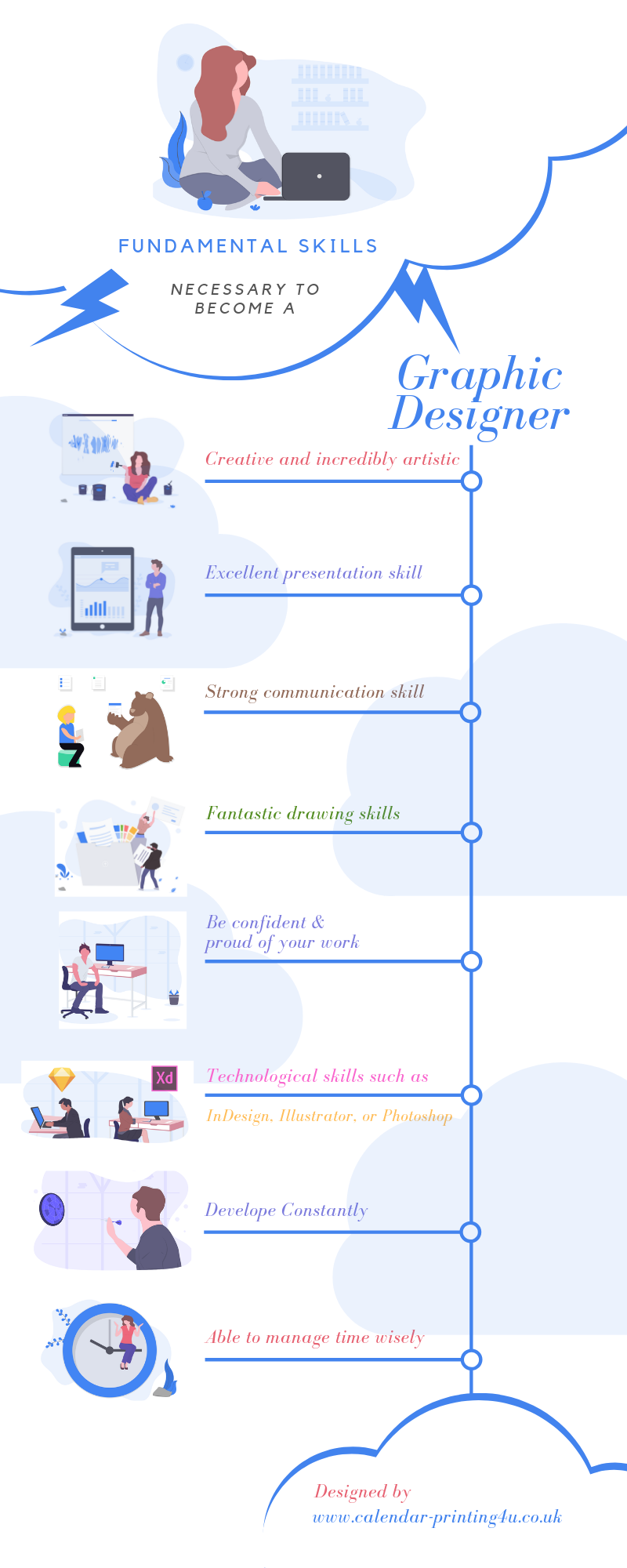
The fundamental skills necessary to become a graphic designer is an innate ability to be imaginative along with being creative and incredibly artistic.
You need to be able to communicate your ideas and designs to your client which requires you to have an excellent presentation skill.
Hence, you need to have excellent visual, verbal and written communication skills.
From a business perspective, you need to be capable of meeting deadlines and work independently.
Apart from the key skills which are mandatory to become a graphic designer, you also need the following skills.
Your work begins by communicating with the client to understand their requirement. For this, you need to have a strong communication skill along with visual skills.
You need to imagine well and be creative to improvise on it. Later you need to portray it on a piece of paper or screen. For this, you need to have excellent drawing skills and computer handling skills.
The third part is being able to bring it to action for which you need to be well versed with IT.
You need to have knowledge of software which are design-oriented. Later you need to present it to the client and rework the entire project or certain parts of it if the output doesn’t match what they had in mind.
Deadlines are tight, and you need to be able to work under stress. Hence, you require time management.
Talent takes you a long way, but networking helps you get it faster. Having good communication skill also helps in networking and growing contacts related to your work.
This helps you get more work and a vast client base which is handy for any business.
To sum it all, the skills you require to become a graphic designer are creativity, communication skills, technological skills, typography, and time management.
You may be interested to read this: 7 Basic Tools for Designers that everyone must have
Educational qualification needed to become a graphic designer
The degree level required to become a graphic designer is a bachelor’s degree. This degree could be in the field of graphic design, art, or any related field.
Get any course which will aid in your graphic designing and also try to do as many internships as you can.
This will build your strengths and also ensure that you get to experience; the two things that your clients require more than your qualification.
Daily obligations once you become a graphic designer
What does a graphic designer do every day? As a graphic designer, you have certain responsibilities.
You will be required to discuss and understand what the client needs from the project. You need to show the client the closest you understood and create a sketch or a visual on the screen.
Once you do so, you need to provide the client with a cost or time estimate of the project. You can proceed further if the client approves of it.
Choose an appropriate and the most suitable software which helps you with the project such as InDesign, Illustrator, QuarkXPress, or Photoshop.
Each designing software will have its own style, and hence you need to choose wisely which software has the right style for your project.
Produce the final result without crossing the deadline and budget. This will further help you get more clients.
Your average salary once you become a graphic designer
An average annual salary of a graphic designer is about £30,000 per annum. This can vary depending upon your location and your skills.
There is strong competition out there in the market, and if you want to thrive and grow, the first thing you need to have is an excellent portfolio.
You need a platform through which you can attract your client or tell them what your capabilities are.
Therefore, it is very important to keep updating your portfolio.
Add all the projects you think your potential clients might be interested in looking at any project that you are proud of having done.
Make your CV stand out with your designer skills if needed. Having a strong portfolio increases the chances of your potential client give you a chance.
So these were the things you need to know about a graphic designer and how to become one. This will be helpful on your journey to become a graphic designer. Most importantly you need to love your work, and you will keep getting more clients.
Desktop Publishing Program or DTP is crucial for publishing important publications such as the newspapers, calendars, and magazines.
But some of the DTPs are quite expensive which cannot be afforded by a person who is a novice in the publishing sector.
So here are seven cheap (almost free) easy-to-use desktop publishing programs.
1. Scribus
Scribus is a powerful commercial level publishing tool which is free. It has a creative, user-friendly interface. It supports features which are very useful for the publication, like adjusting the colour difference you see on the print and screen. Other features include spot colours, CMYK colours, PDF creation, and print colour management. It also offers templates which allow you to create documents from scratch.
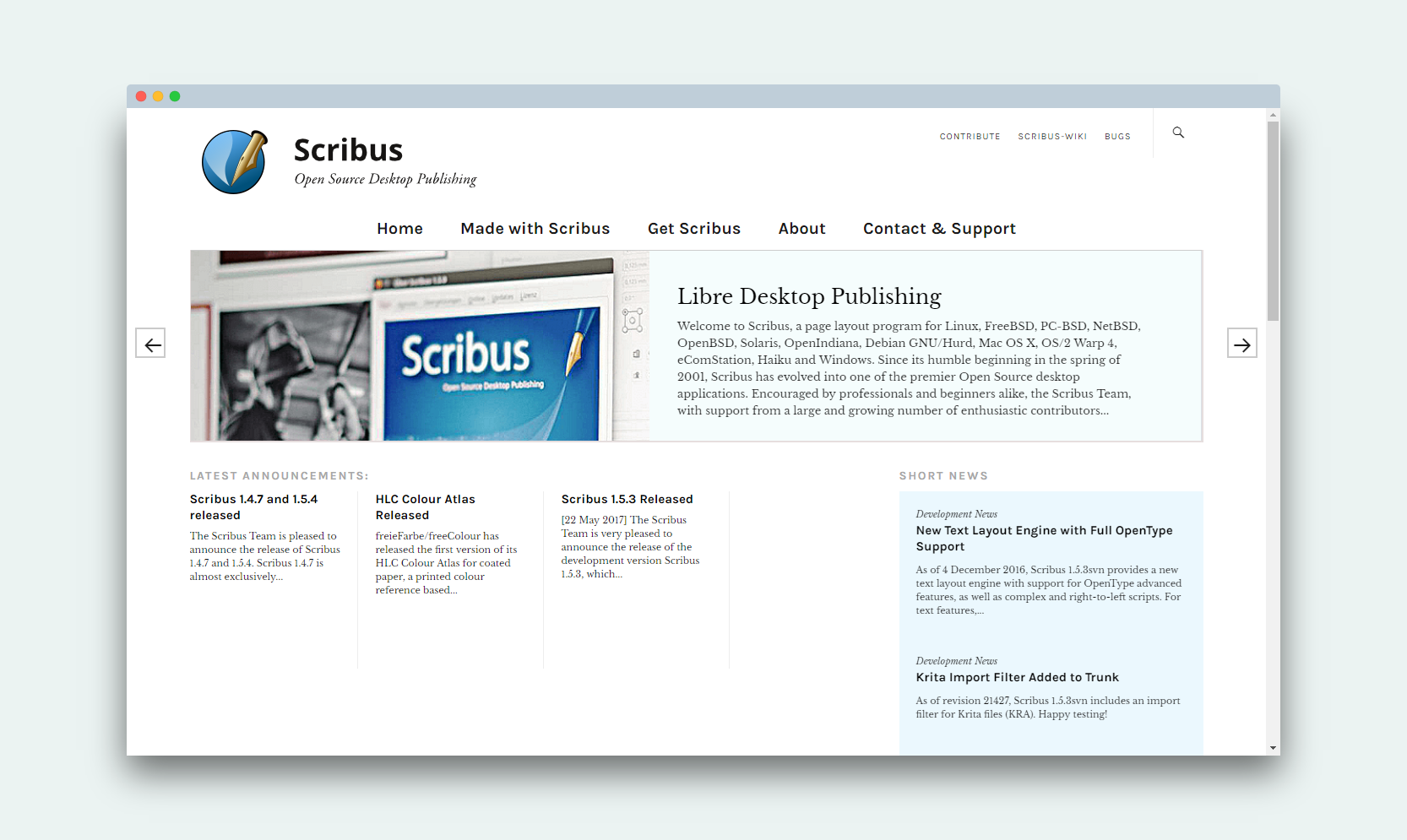
Unlike most of the DTP, Scribus can be recovered easily even after the damage (since it uses XML format). It makes Desktop publishing program accessible to people from all categories including the beginners. Scribus has two versions, with the stable version compatible for professional publication work, like magazines and calendars.
2. Microsoft Word
Microsoft Word is one of the most popular and widely used desktop publishing programs. This word processor which is developed by Microsoft has all the features needed for the publishing which can be customised. It can be used for publications such as posters, calendars, brochures, and CVs. Microsoft Word is the first choice of anyone wanting to type something professional or get it printed.
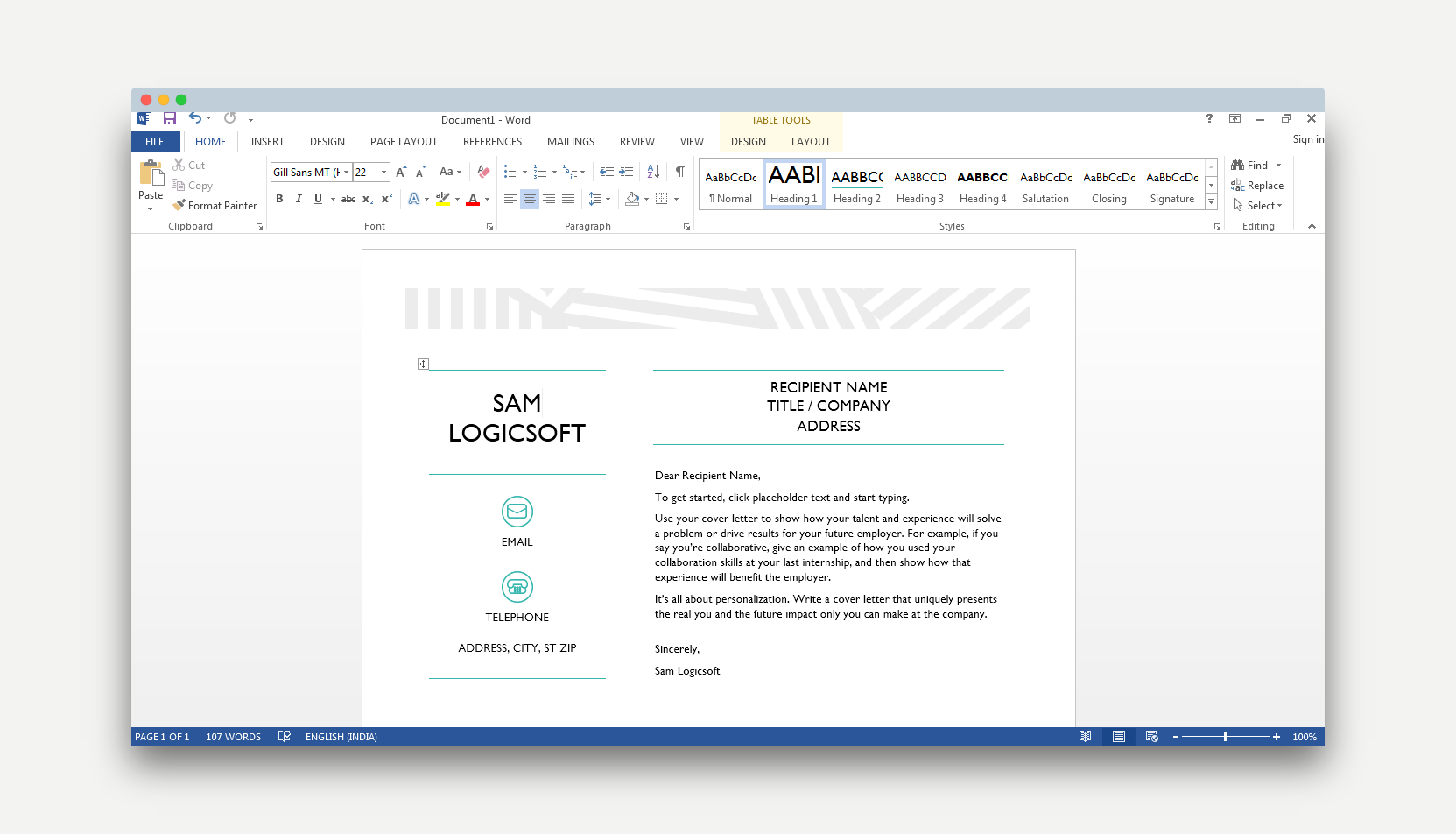
It contains different calligraphic fonts and colours which can be customised according to the need of the publication. It even offers a spell-checker. Moreover, it allows you to import images and edit it. Microsoft Word also takes care of your statistical and mathematical needs and provides the feature for inserting tables, graphics, and formulas. Word can also be converted into the PDF format.
3. Lucidpress
Lucidpress is a DTP which allows you to create stunning visual content for your publications such as flyers, brochures, newspapers, digital magazines, reports, and digital magazines. It offers stunning beautiful designs which are simple to understand and use. Not only can you print and publish online but also share it through social media.
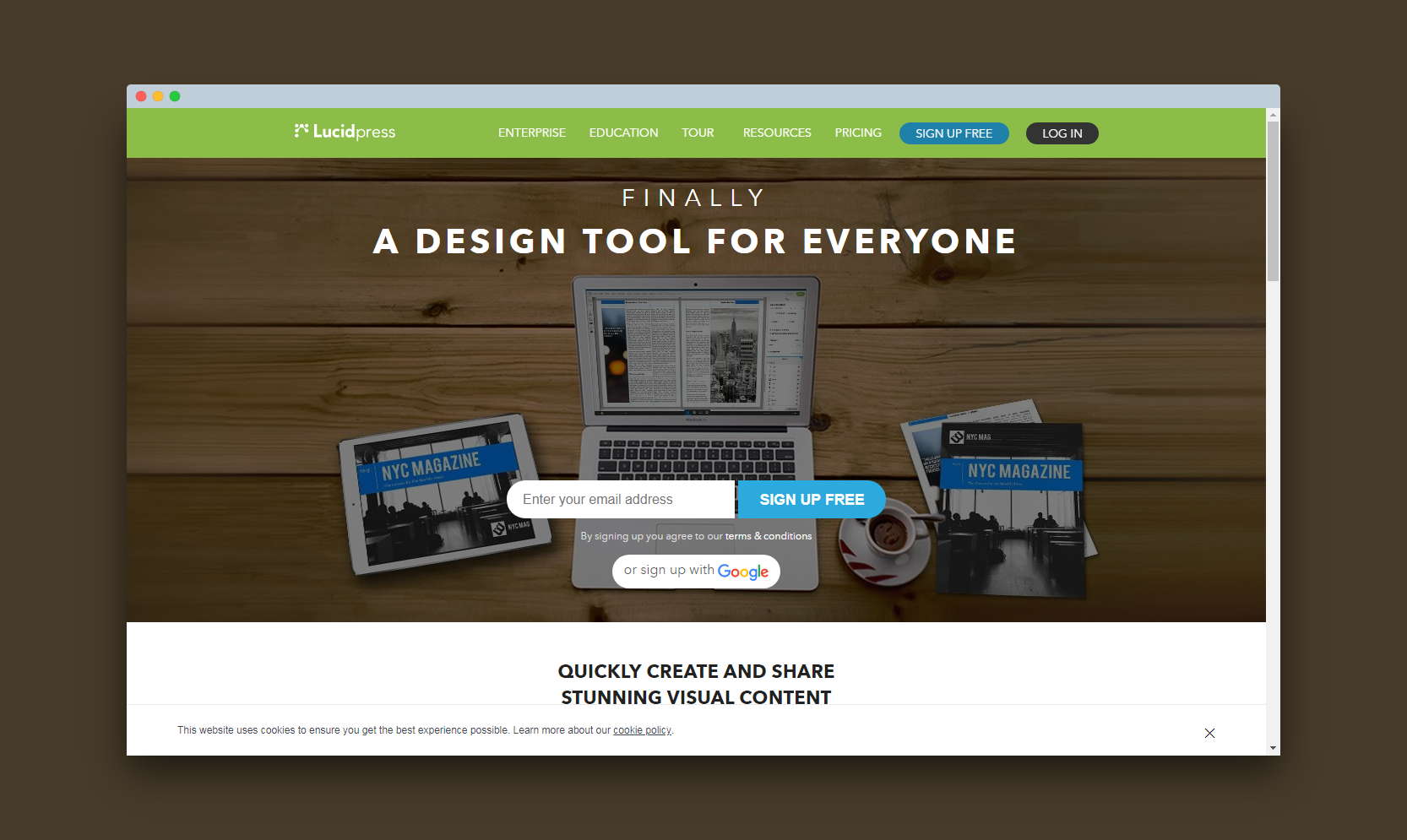
Lucid offers easy to use drag and drop option, which reduces the learning curve of this program. It is entirely online and doesn’t require installation. You can even import from Adobe InDesign, Dropbox, Facebook, and export your result as JPG, PDF, and PNG. Moreover, this can be done at a meagre price.
4. Joomag
For people who are looking for a DTP not only to create the content, but also to distribute the content over several channels and track its performance, Joomag is one of the best out there. It has inbuilt analytics and real-time editing functionality which can help with corporate communications.
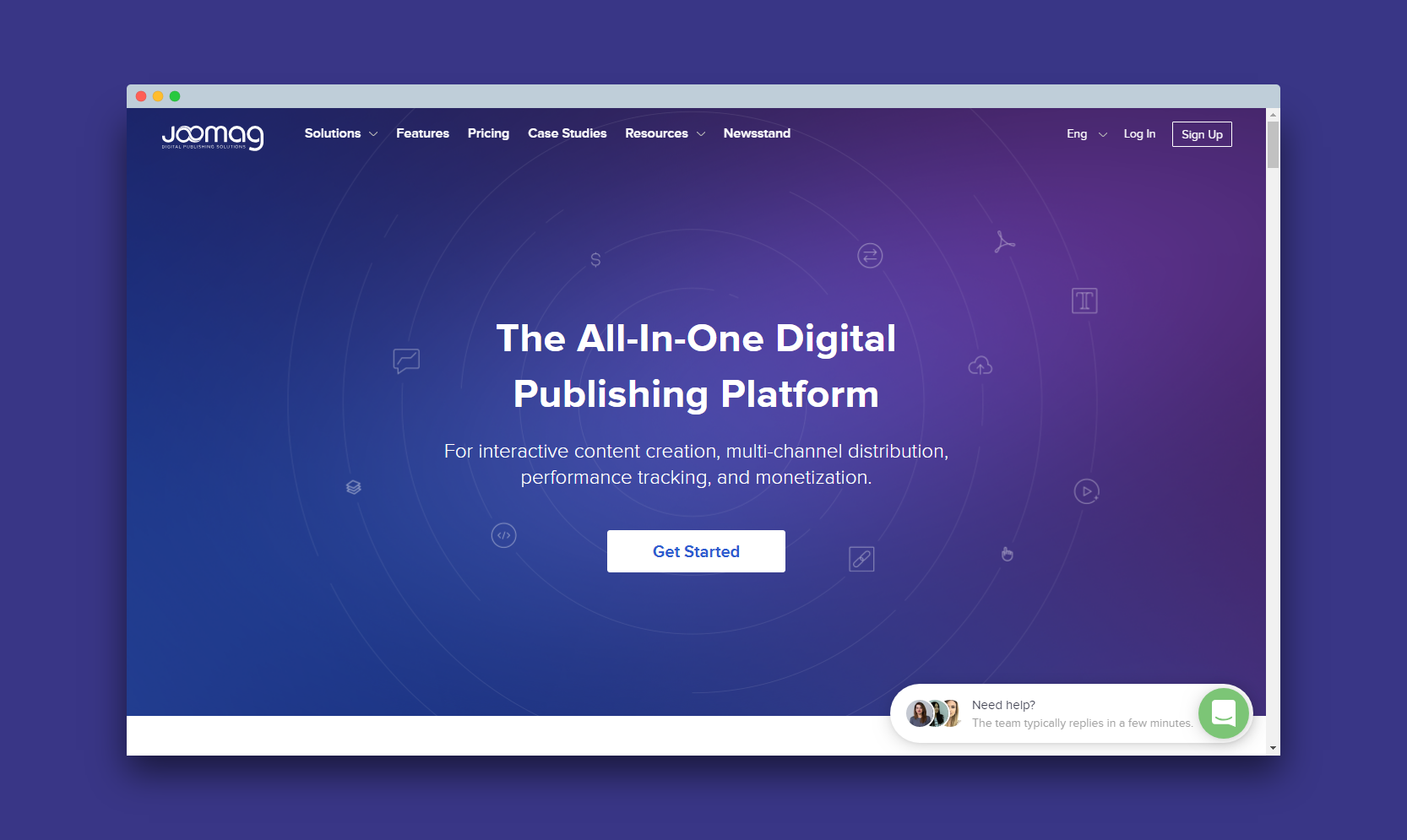
It has over 300 ready-to-use templates which aid with sales of your content by engaging your users. It can be used to publish photo books, online magazines, product catalogues, and corporate magazine. There is a free version and a paid version which costs hardly any dollars. The paid version even allows you to sell your magazine. Moreover, your content is responsive, which means that it will adapt itself to any device.
5. Canva
Canva is a program which allows you to create any image related matter such as the calendar, certificate, business card, brochure, poster, blog layout, CV, leaflet, and advert. The greatest advantage of this DTP is that you need not install it and is extremely easy to use.
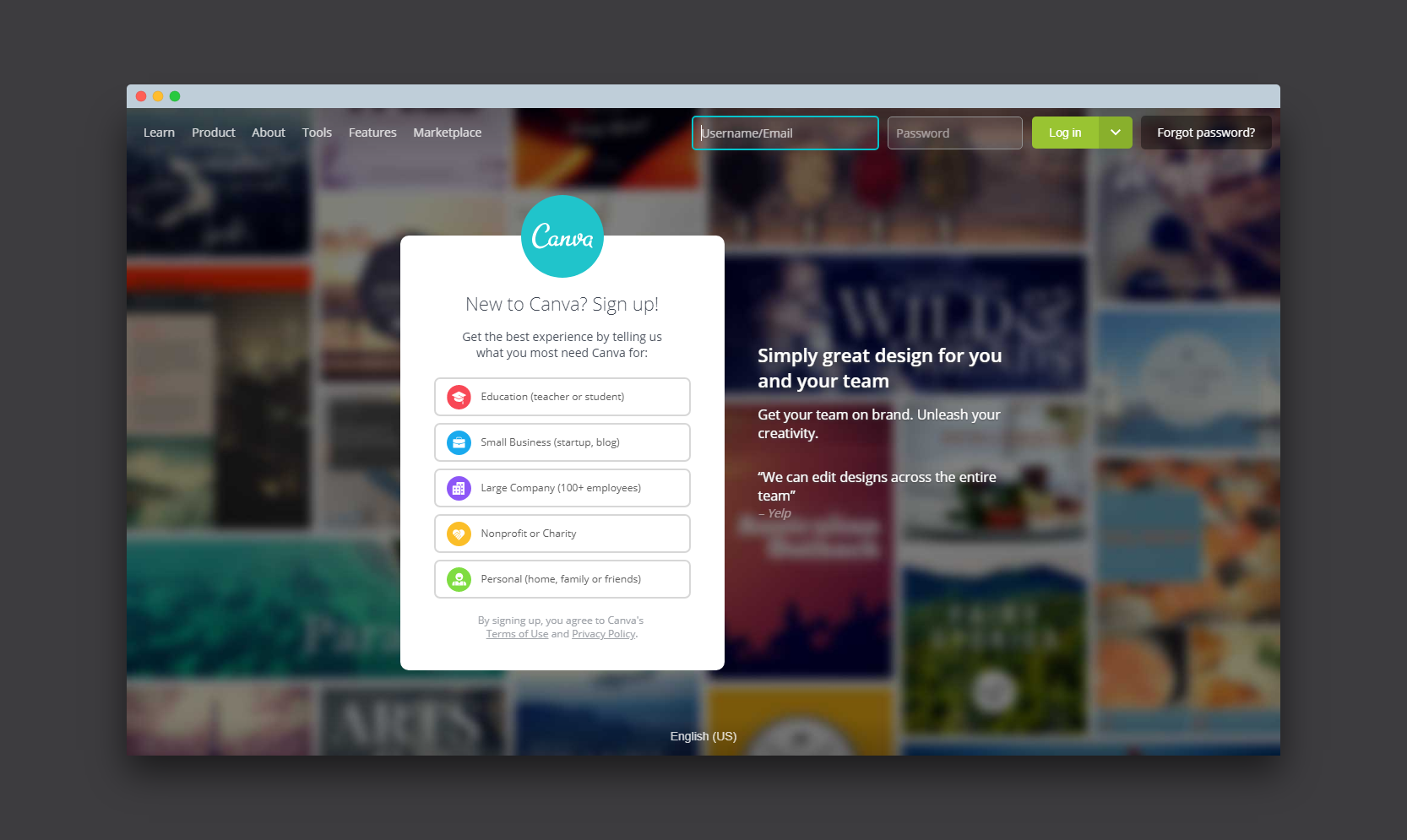
It has many layouts and templates to choose from upon registration. Many of these layouts are free while the rest are very cheap. It is equipped with a drag and drop option which allows you to use this software efficiently. You can customise and combine fonts, logos, and colours. Canva has a free version of itself that allows a network of up to 10 people which is very useful for company projects.
6. Crello
Crello is the new kid on the block in the world of desktop publishing. It is an online graphic tool that is free. You can use all the features within the tool without having to worry about paying for them. However, you do have to pay $0.99 for each paid image on Crello.
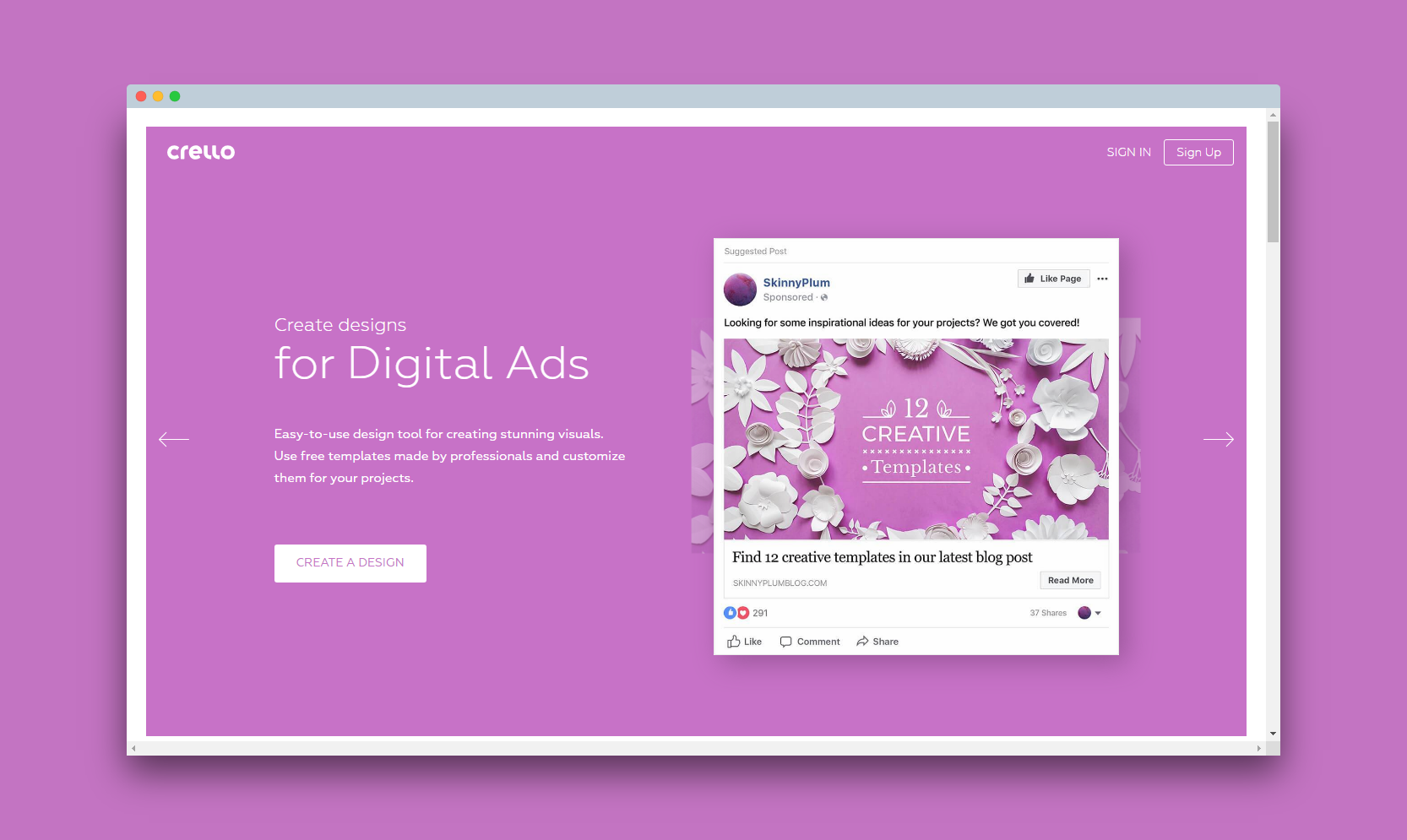
You will find that the Crello interface is easy to use. The canvas is on the right side of the window while the design elements are on the left. You can choose from the thousands of templates to create your social media or web graphics. It also allows you to create animated content with ease. The only thing that you may find lacking in this DTP is templates for presentations.
7. Issuu
If you are looking to publish an online magazine, catalog or brochures, you need Issuu. It is a Danish digital publishing platform that allows you to publish your own online publication. While it does not allow you design your own publication, it helps you to ensure your target audience can get access to it.
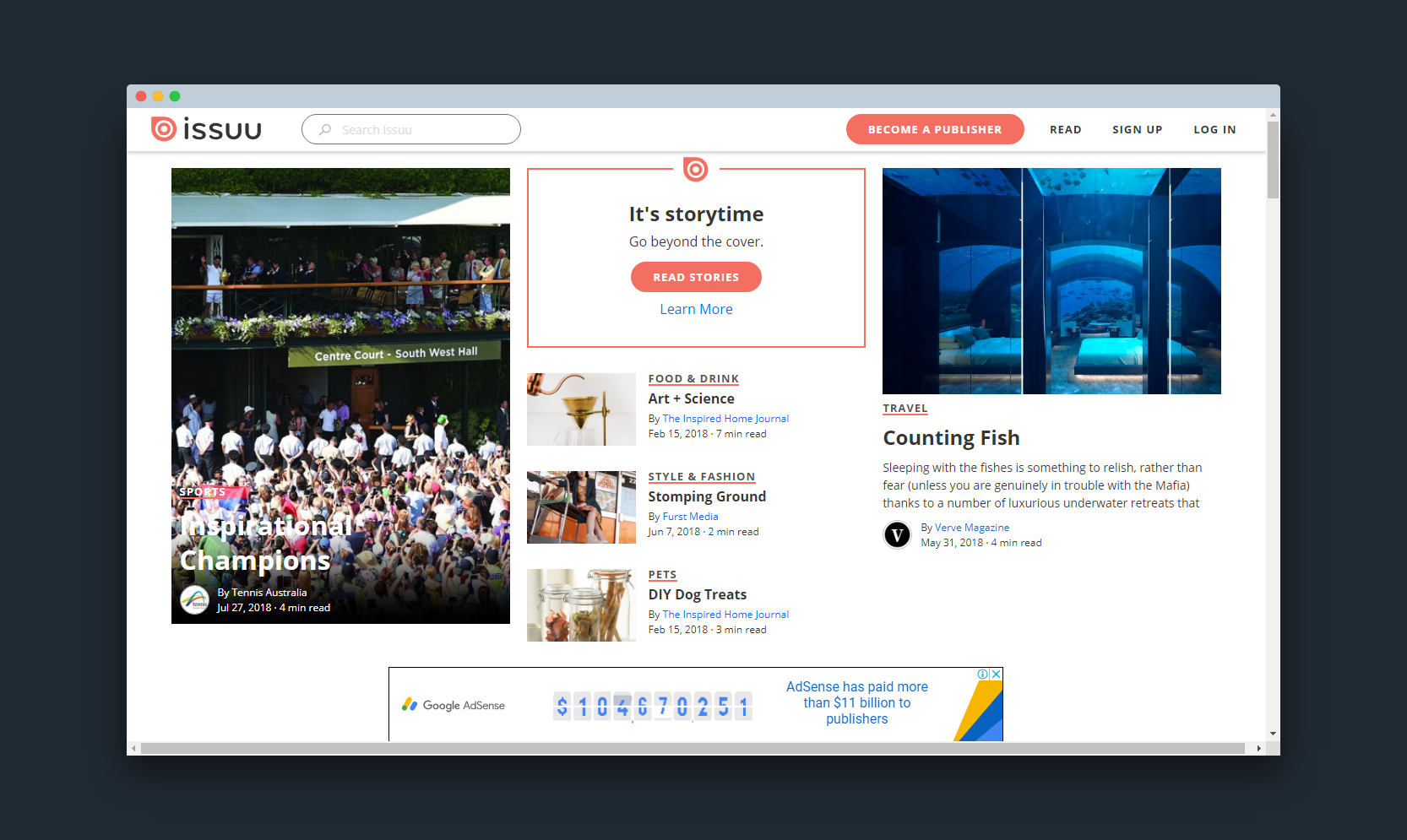
Issuu, however, lets you design a custom cover and audio content. You can upload magazines that have a maximum of 500 pages. This online publishing platform allows you track readers and several other statistics to help you hone your online marketing and publishing skills.
So these were some of the DTPs which are very cheap, and some even free. They are extremely easy to use, so go ahead and give them a try.
Suggestion Reading
Whether you are aspiring to be a designer or you are a pro, tools are an essential part of your job. Finding the right kind of tools not only helps you create a better render, help you work efficiently and make your work much smoother.
Digital renders and presentations are an essential part of the world of designers. With that in mind, it makes sense for you to find something that aids your work.
What to know when you choose your tools?
- While selecting electronics to remember to have a look at the power consumption. Only purchase the ones that sound economical to you and your use.
- Other than this, pay close attention to the batteries. Cameras and laptops are some of the essential tools for graphic designers, which is why you should purchase only those that offer you longer battery life.
- Invest some time in looking for alternatives if you already have a list; this will allow you to find better options and save some money as well.
- Apart from this, rather than going for brands, look for work-specific accessories. If you work outdoors more often, the look for articles that are built sturdy. Apart from this, if you are working indoors often, then go for high-power tools, as you will not have to worry about dropping them every once in a while.
What can you use as a designer?
The talk of best tools for designers is a relative term. Given the wide nature of every designer’s work, the choice of best tools may differ. However, there are certain tools that every designer must absolutely use or uses from time to time and here is a list of tools:
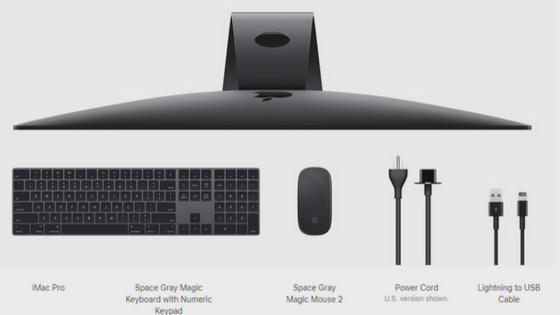
- The correct computer: Be it a laptop or a PC, it is essential for you to go with those that offer you a good working capacity. Computers with a hefty RAM and good processor should be your number one choice. Apart from this, the graphic card included in your computer or personal computer should also be one of the primary things for you to keep in mind. Apart from this, here is what you should ask before you finalize a computer:
- Will it serve your purpose?
- How long will the battery last?
- If you are purchasing a laptop, consider its weight.
- Is the computer 4K?
- Are there going to be any maintenance costs in the near future?
- How long does your chosen computer’s company take to repair faults?
Generally speaking, the more you spend the better the machine. For instance, Apple iMac Pro is the most recommended computer to every graphic designer because of incredible graphic (Vega GPU) and insanely powerful processor (18- Core).
- Software to back you up: Working as a designer is not simple, and with many things to do, you will need efficient software. Among the most known graphic designing tools you will find Adobe Photoshop, Adobe Illustrator, After Effects and many more. Bear in mind that these applications take a lot of space and consume considerable amount power to run. Furthermore, these tools may make your computer lag if you are not using a high-end computer. Consider your work and how often do you need to use the various kinds of software. Also, to keep yourself safe from losing your designs and hard work, find yourself a cloud service to backup all of your data.
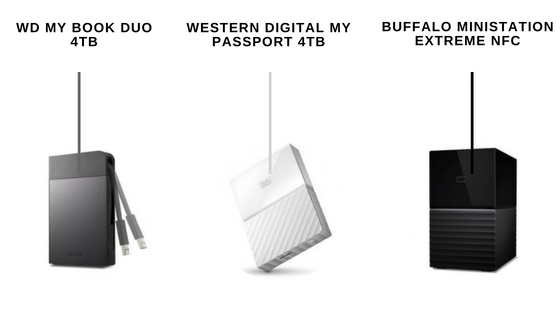
- Hard drive: Since the render that you will create, and the work that you will be doing is going to take up a lot of space on your computer; you should invest some money in purchasing a good hard drive. Research the web for good and reliable companies that offer you a good selection of external hard drives. Also, consider the size of the drives that you will need. Apart from this, make sure that you only purchase those devices that come with a warranty and have the option of extending the warranty. This will help you save yourself from various problems in the future.
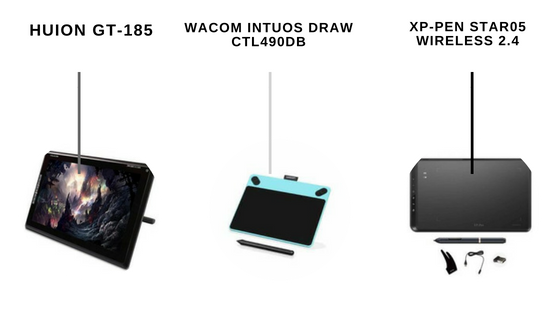
- Graphic Tablet and Stylus: Another essential tool apart from choosing design tools website for help, is a graphics tablet with a stylus. As designers are busy people and are always juggling between projects, they like to design on the go. With many ideas storming your mind, you will need a place to instantly crystallize your ideas and designs. A good graphic tablet will allow you to make the most out of your instant designs. While purchasing a graphic tablet and stylus look for:
-
- The battery backup of the graphics tablet.
- Go for quality over brands.
- Search for durable options.
- Research on the various types of the stylus and get the best one in your budget.
- Warranty.
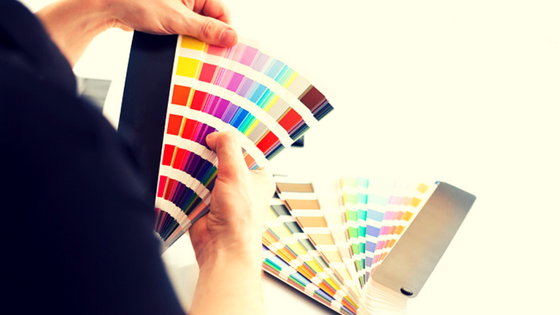
- Color Swatches: If you work with a lot of print work, then you will need to find a spot on ideas about colors. To make your work easy and comfortable, purchase a swatch book. Swatch books have many color combinations and tones of the same shade. This will help you cement your ideas by offering you direct access to the various colors you will be using. Apart from this, having a swatch book around helps you come up with interesting color combinations that work for various projects.
- Notebooks and Sketchbooks: Notebooks and sketchbooks to designers are what air is to humans. Imagining a designer without either one is a difficult task. The ideation process of design starts with some rough sketches. Understanding the concepts and the product you need to design comes only after random sketches of the same thing. Sketchbooks and notebooks allow you to let your mind flow and find the ideas that will work for your project. Furthermore, sketching out your designs also allows you to find a way to come up with better ideas and better designs for any kind of project.
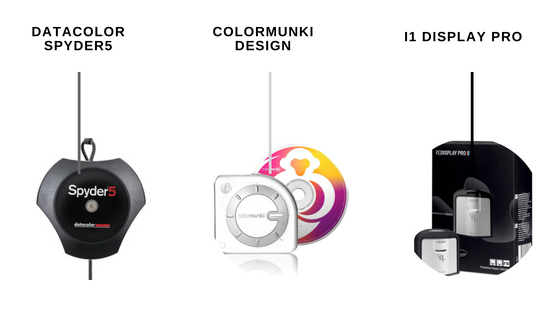
- Monitor calibrator: As a designer, you need to correct about every design that you make. Furthermore, the last thing you’d want is for your design and idea to look completely different as an output. To avoid this, make use of a monitor calibrator which allows you to see exactly what your design will look like. With the help of a monitor calibrator, you can calibrate your monitor and find a way to make the most of your colors.
With many things to keep in mind, finding the right tools for your designs are the most important task. Consider your budget and what kind of requirement you have before you make the purchase.
You may also read:
Digital Printing Technology: Its Role in Your Business
Right from the times of cave art, humans have used graphics and written word to spread information and knowledge. In the modern times, businesses rely on printed materials, be it physical or digital (brochure or website) to spread the word about their products and services. It is simply not possible to showcase your specialty and services without writing and describing it for your target audience.
Even though businesses are using websites, blogs and social media to promote their products and services, most often have promotional materials, like calendars, brochures and catalogs that they can print on-demand when the need arises. This is possible due to digital printing technology.
Evolution of Digital Printing Technology
Digital printing technology has advanced tremendously. Today, you can use a Wi-Fi connected printer to print precise and clear documents for an affordable price. In fact, printing at home or office is more cost-effective than ever.
So, for businesses that are looking at creating and shipping their printed promos, brochures and flyers, technology is a boon. Digital printing technology has made their lives easier and allowed them to ensure their target audience gets the printed material without delay. As a result, it has helped to boost revenues and profitability.
Here is how advanced digital printing technology comes to your rescue:
Why Digital Printing?
Gone are the days of offset printing that took time to get the results you wanted. Today, digital printing has become the norm, but you shouldn’t forget that the technology has been passed down from offset printing. Of course, it has advanced, evolved and improved, but its genesis lies in offset printing.
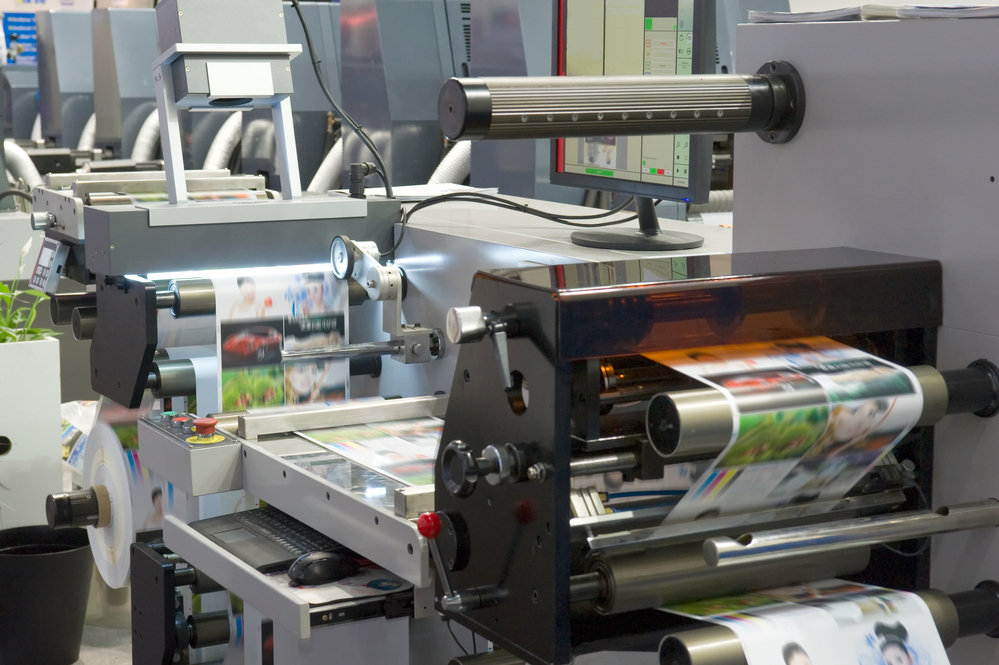
There are many reasons why digital printing has become extremely popular. For one, the cost to set up a digital printer is within reach; and secondly, you can easily print small volumes or even a single copy without burning a hole in your pocket. So, if you business requires promotional material, catalogs or brochures, digital printing allows you to get a precise copy of the graphics and text quickly, efficiently and on-demand.
Binding Technology
In the good old days, when you used to print brochures and product catalogs, the work of collating the pages used to begin after the printing. It was an arduous process involving a numerous stages – trimming, collating, milling and binding. Milling was necessary as it helped make the spine rough, allowing the glue to bind individual pages together.
However, as digital printing technology has evolved, so has binding technology as they go hand-in-hand. It is possible to use paper with built-in data matrix code that functions like a QR code. This code contains all the details of the brochure, catalog, magazine or any other printed material, allowing the digital binding machine to read the code and then trim, collate, mill and glue the pages without human intervention.
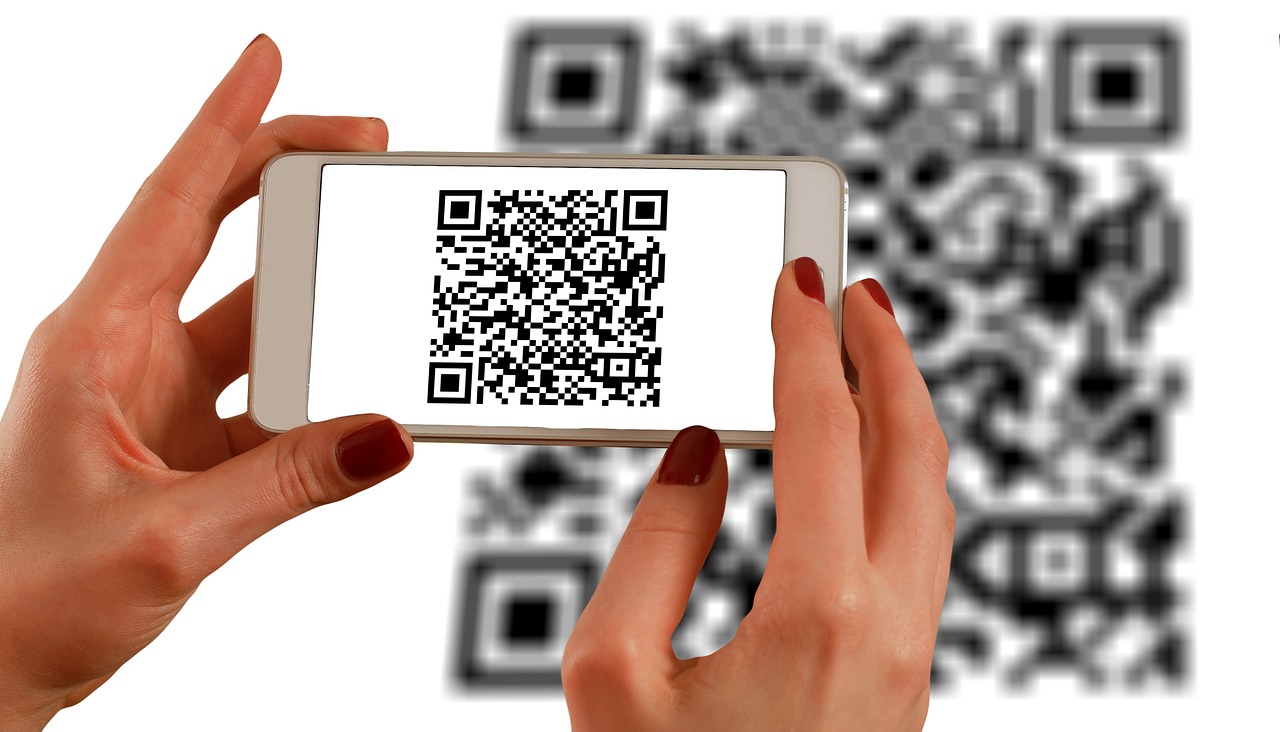
The entire binding process, thus, is automated and there is no need to use multiple machines or re-set binding parameters each time the printed material changes. As a result, it enhances productivity of the printing press and minimizes chances of errors.
Robotic Shipping
The task of printing does not end with binding. The printed material still has to make its way to its intended destination and recipients. Here too digitization and technology come into play.

There are robotic arms that place the printed material into cartons and then another robotic arm pastes address labels on each carton. Then these cartons move on a conveyor belt to the sealing section, where more technology and automated processes work to seal and sort out cartons to make shipping easy and quick.
Who would have thought that the calendars, brochures, flyers, magazines that your business uses to promote itself are actually hi-tech!
Suggestion Reading
What is GSM & Why it is important in Paper Sheets?
How can businesses make effective marketing use of printed materials?

Businesses are basically an amalgamation of hard work, products, quality, and great marketing skills. The time where only your products were enough to earn your business a name is bygone and a new era, where marketing and goods that your business produces or the services that you wish to provide walk hand in hand.
Understanding that marketing is one of the primary necessities of any business to flourish is the first step to success. However, if you are wondering about the cost of marketing for your company or small business, then here is the simple answer, it does not cost much if you are smart!
What is the best way to promote your business?
Here are some proven strategies to promote your business that won’t cost you a dime:
-

- Make it about the customer: When you are planning to expand your business or are looking to promote your business, then you should make sure that your campaign should be about the consumer or the customer. The point behind every marketing campaign is that it is specifically made for the customers. Your target audience should be able to connect to your marketing advertisements and campaigns.
-

- Know what you want to achieve: Before you begin to ask yourself “How do I market my small business?” make a list of the goals that you wish to attain, set your targets, know what you want and know where to start from. Without a clear goal in mind, you will not be able to find the correct achievements at the end of the marketing campaign.
-

- Write a Marketing Plan: If you or your staff member are not clear on “What is a small business marketing?” then the best way to find the answer to this question is to write down everything. Here is what you need to jot down before you start your campaign:
- Where do you wish to go with the help of this campaign?
- What would be your goal?
- What is the target audience?
- What will be the correct budget for the campaign?
-
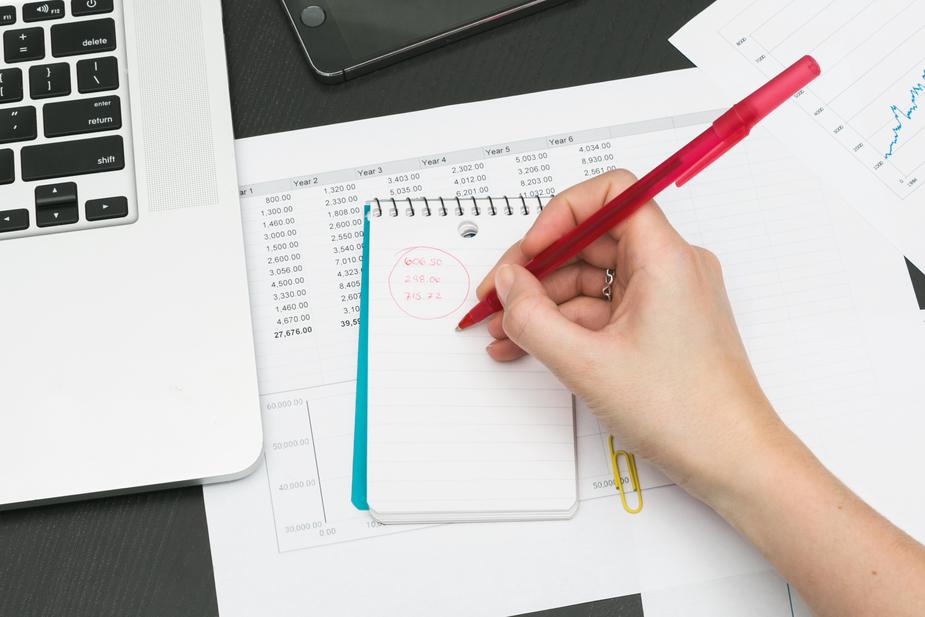
- Budget: To make the most out of your marketing plans you need to know the budget of the entire marketing campaign. It is safe to start with the necessary costs and expenditures and the costs that you can avoid. The expenses for calendar printing, mug printing or acquiring promotional objects should also be considered.
-

- Monitor your competitors Closely: While you may feel that you are on your A-Game, but your competitors may be on a whole new level. And this is why you should spend some time researching your competitors; follow what kind of products they offer and why their product sells. Furthermore, if you have a look at the marketing campaigns of your competitors, you may get to learn a thing or two. Plus it is good for inspiration as well as motivation.
-
- Update your marketing materials: Marketing and business promotion is not easy. While you find that your marketing materials such as brochures, business cards, banners, flyers, etc. are made as per your requirements, bear in mind that you will need to revamp them. Furthermore, you will be required to find content that goes and gels well with what you do and your present objectives. With the help of designers and writers as well as your creativity, you can find the perfect way to revamp your older materials.
-

- Review your Social Media Pages: One of the most amazing factors of the 21st century that affects your business is social media. With the help of correct use and proper updates on various social media platforms, you can find the perfect way to boost your business. Furthermore, regular updates on your social media handles allow you to retarget your audience and find new customers.
-

- Establish your Business Locally: If you expect to improve your sales or wish to find new ways to expand your business, then you need to establish your business locally first. There is no easy way to succeed. However, consistent efforts to make the most out of what you have locally will not only give you some loyal customers but will also help you find the confidence to establish yourself on a national level. You can also create a website for your business and take help from a website support service provider like Logicsofts so that your brand visibility can be increased in your local area.
-

- Get Noticed: A company or a business that appears regularly and is well-liked is bound to flourish and succeed. If you wish to find massive success and wish to find a better way to expand your business, then you here are some ideas to get noticed:
- Organize charitable events.
- Sponsor local events or school events.
- Fund some cultural activities in your local area.
- Connect with some NGOs.
- Stand for or promote a noble cause in your city.
-
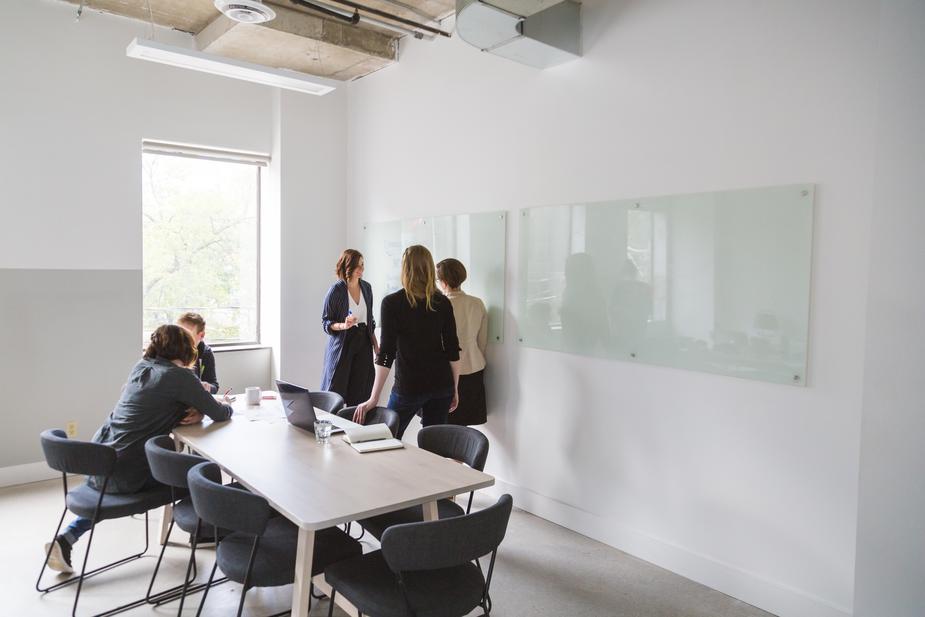
- Know what to do: To promote your business, you need a combined effort to make the most out of what you are given. With the help of various aspects of business promotion and marketing activities, here is what you can do for your business to make sure that you know what you are doing:
- Educate your staff about your products.
- Before you begin crystalizing your ideas, you need to make a list of various ideas.
- Make an action plan of what you wish to do.
- Set realistic targets and goals.
- Before you begin to know your audience.
- Apart from this, before rounding up your resources hire a professional marketing team to help you out.
With many things to worry about, the stress of effectively marketing your business is one of the biggest ones. Find a team or a company that aids you to market your business effectively and helps you to find ideas that work for you.
Also, remember that your business and its promotion is only as good as your ideas. Find what makes you feel connected to your work also something that makes you feel that customers will connect to your business and stick to it.

Starting a business is comparatively easier in today’s world than creating an image of trustworthiness. Once you work on starting a business and creating your own line of products is done, the promotion of your business should come first.
In today’s world, anything that appeals to the eye and attracts you as a viewer sells, and that is a fact. And this why you should, a business owner, should know how to make use of personalized printed materials to create a trustworthy image for your business.
Here is a list of printed materials that can be used for marketing and promotion of your business:
-
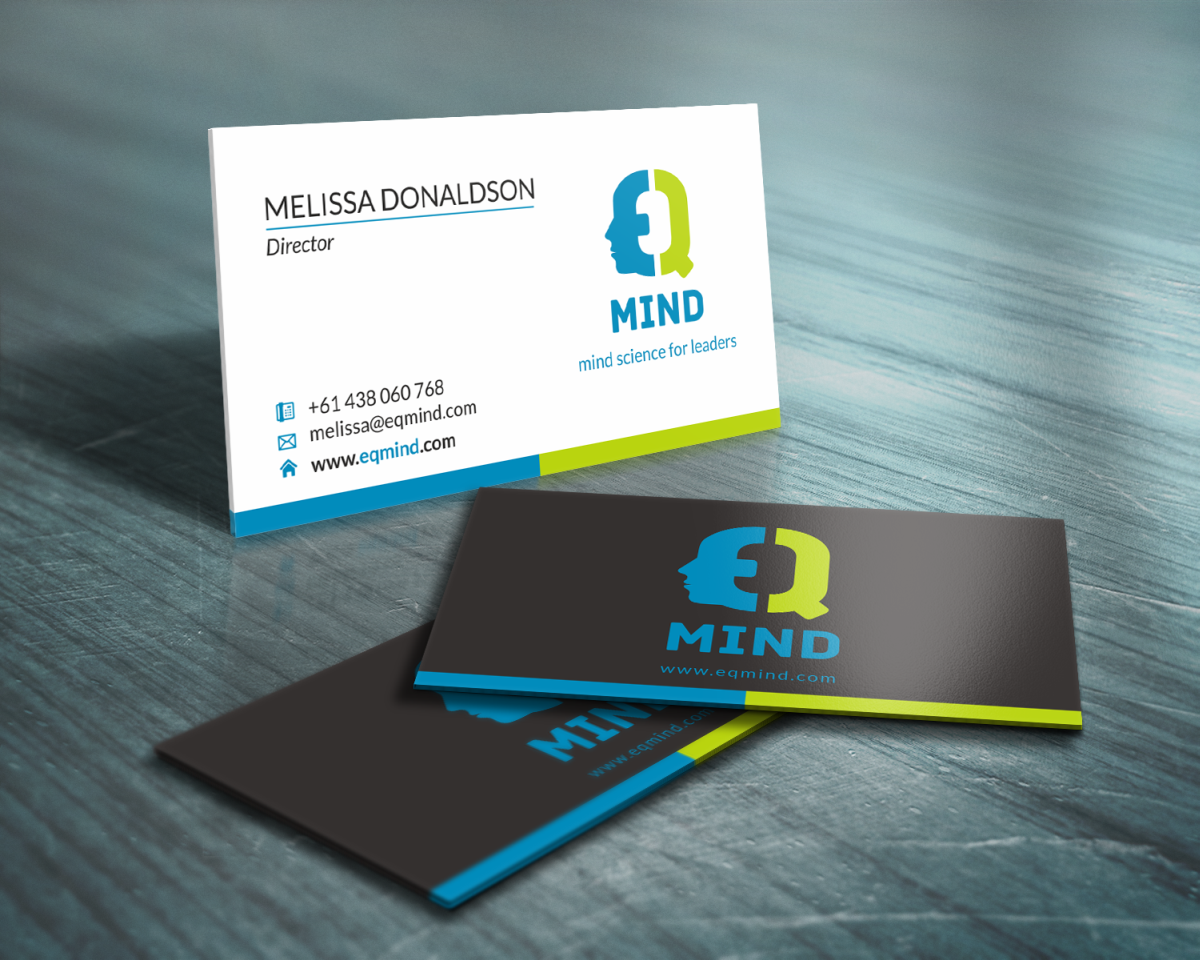
- Business Cards: First impressions matter. Before people have a chance of using your service or products, they will see you and your business card first. And since first impressions matter, you should make it a point to find a company that will help you create beautiful business cards and will allow you to create a good first impression.
-
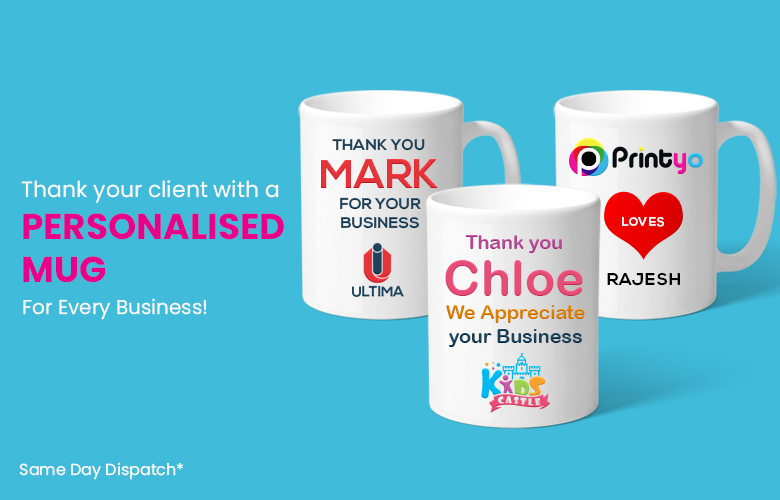
- Banners: A business is as good as it’s advertisements. When you start a business or want to expand your older business, the best way to catch the attention of many is by putting up banners for your business. The point is, as long as your business’ name keeps popping up and attracting viewers, you are creating brand awareness for your company.
-
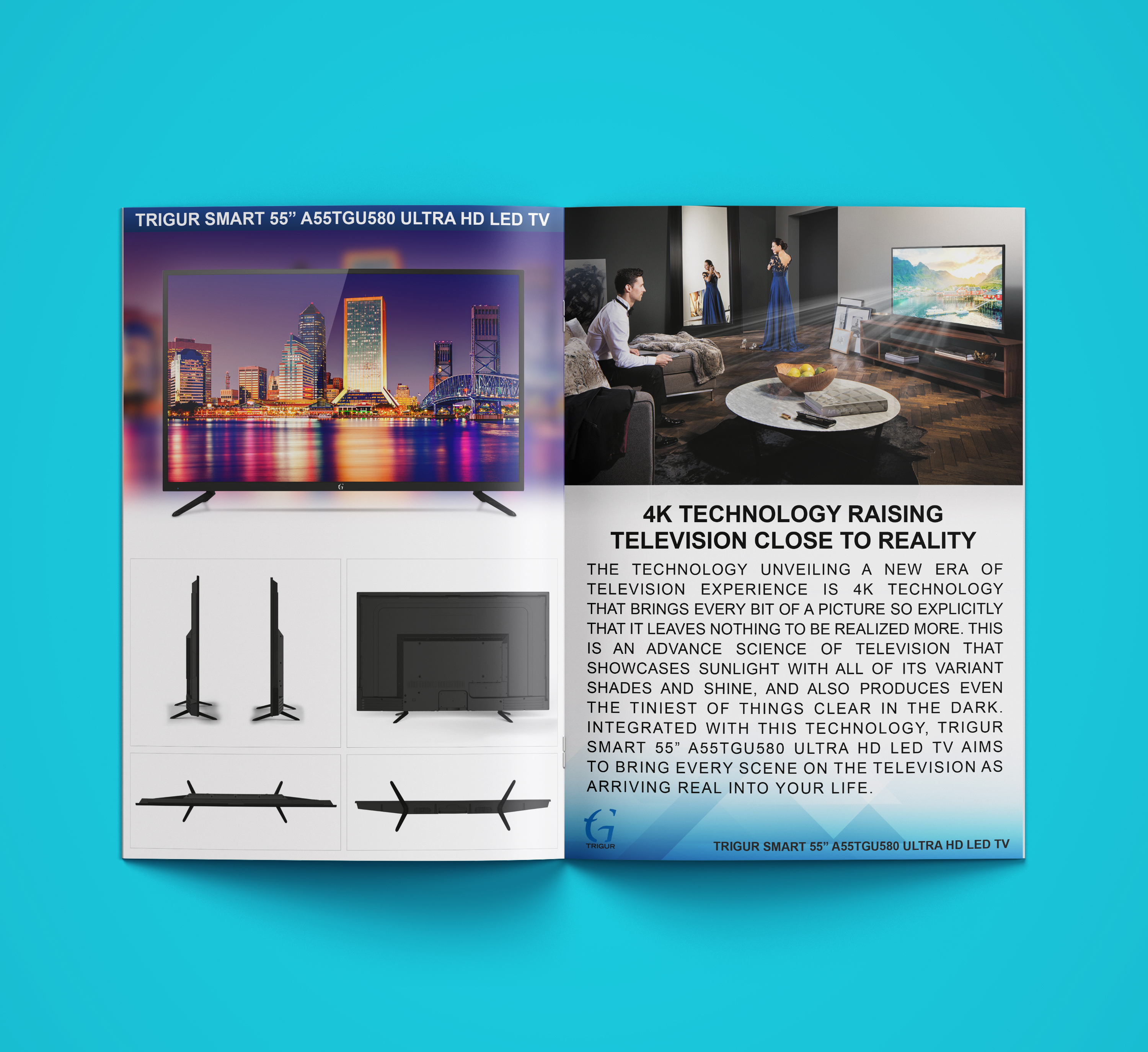
- Company Brochures: Brochures are one of the simplest printed materials that can be used for setting up an amazing brand value. A brochure gives an insight into the kind of work you do and what kind of services your business provides. With the help of a beautifully printed brochure, with strategic placement of content, you can not only retain your customers but also attract new clients to your business.
-
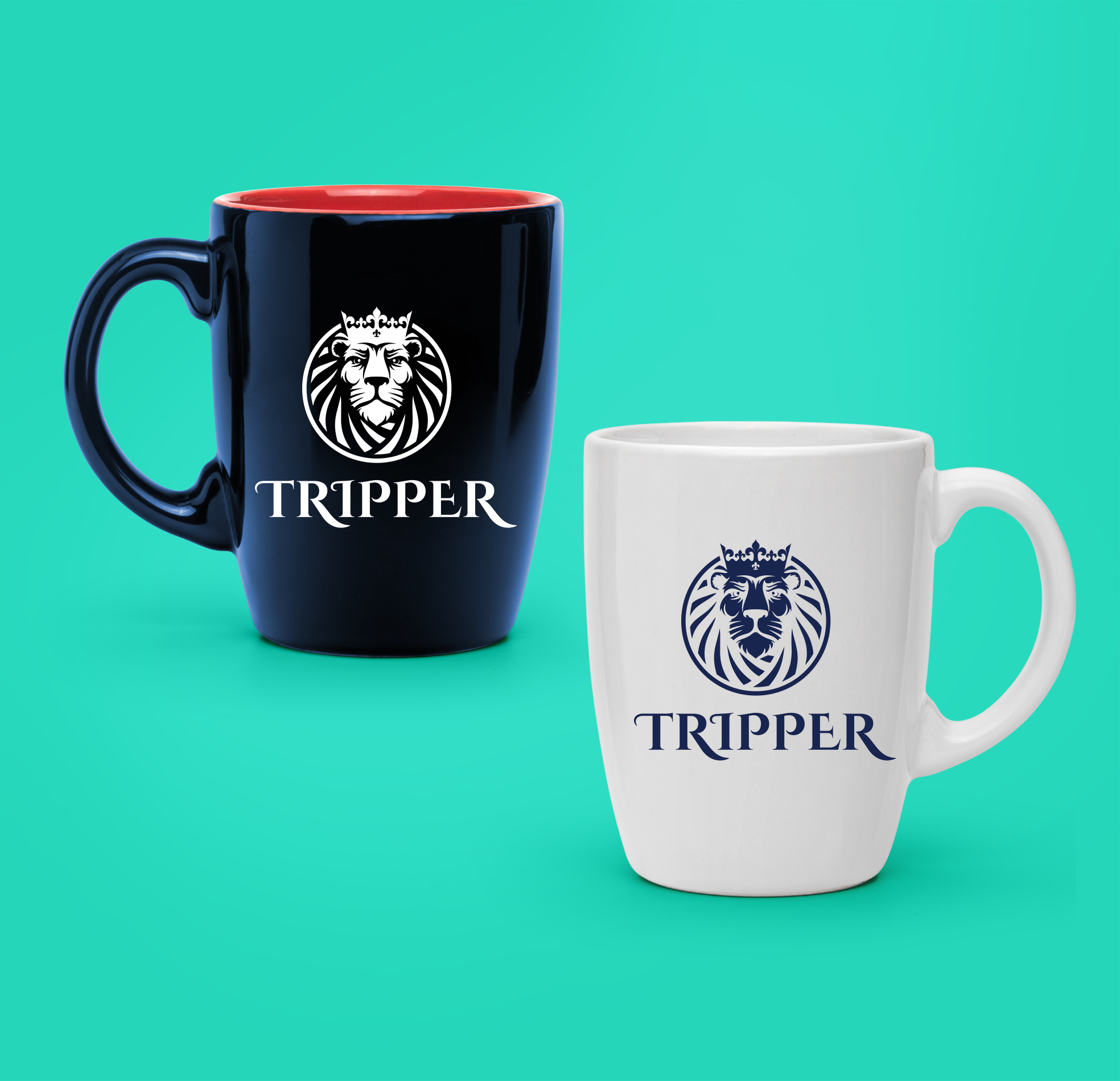
- Personalized Stationary: Whether it is for your office’s use or for promotion campaigns, personalized stationery is one of the most effective methods of effective marketing. Pens, letter pads, notepads and various other kinds of personalized stationary not only give your customers a personal feeling but helps you spread the word. Everyone makes use of pens and notepads, and with your name, logo, and address on them, you can be sure to generate some new customers!
-
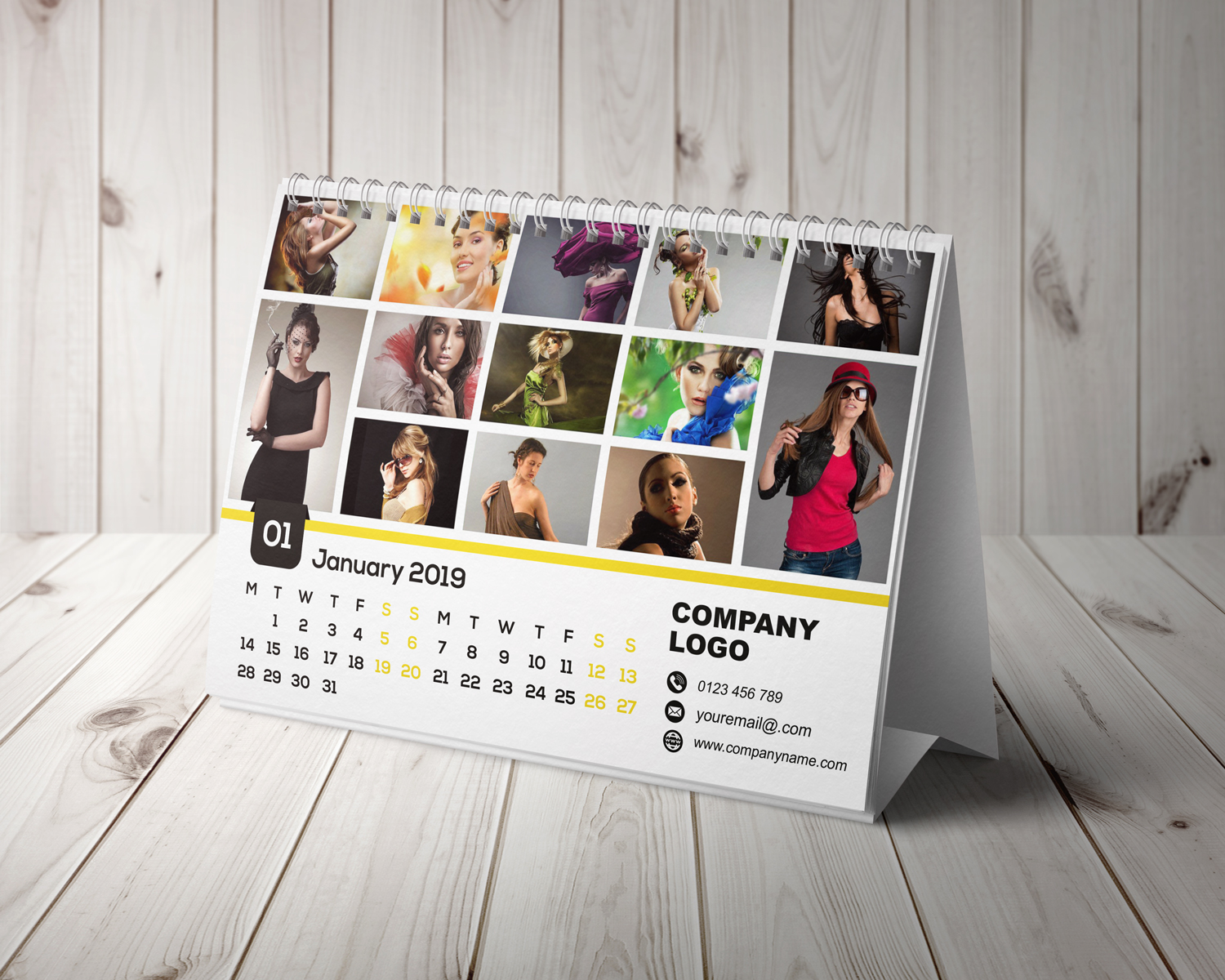
- Calendars: One of the most essential elements of any office, house or place, calendars are one of the most effective ways to market your business. Used daily and constantly looked, it is one of the best places to add your brand’s name and logo. Apart from this, offering or gifting calendars to your present clients, prospective clients or to your business partners helps them feel loved and cared for. Other than this, you can even give calendars to your employees.

-
- Thank You Cards and Festive Cards: Be it to offer your thanks or to send your regards on some festival, printed cards offer you a way to do it effortlessly. With beautiful, colorful designs, you can have a printing company design any kind of a card for your needs. Have the company leave some space on the cards so that you can create a personalized message or write some touching, heart-warming lines and have them printed on your cards. Such printed cards help you show that you care and that your clients, customers or business partners matter.
Because print marketing is versatile and flexible, it is easy for you to find a way to create a something that is just right for your company, brand or an event. Help your business grow by making use of printed materials!
Suggestion Reading : 4 Best Photo Calendars Ideas in 2018
Calendars with a personal touch are everyone’s favourites.
With many options and great looking calendars, the thrill of adding your memories to a calendar is a thrilling experience.
Photo calendars, much like other types of calendars come in various shapes, sizes, and formats.
The best part about getting a photo calendar for yourself is that you get to choose your own pick! With a compilation or a selection of pictures to add to a calendar, you can get the custom design you need.
If you are looking to get yourself a beautiful photo calendar ideas, then here are some choices for you:
-
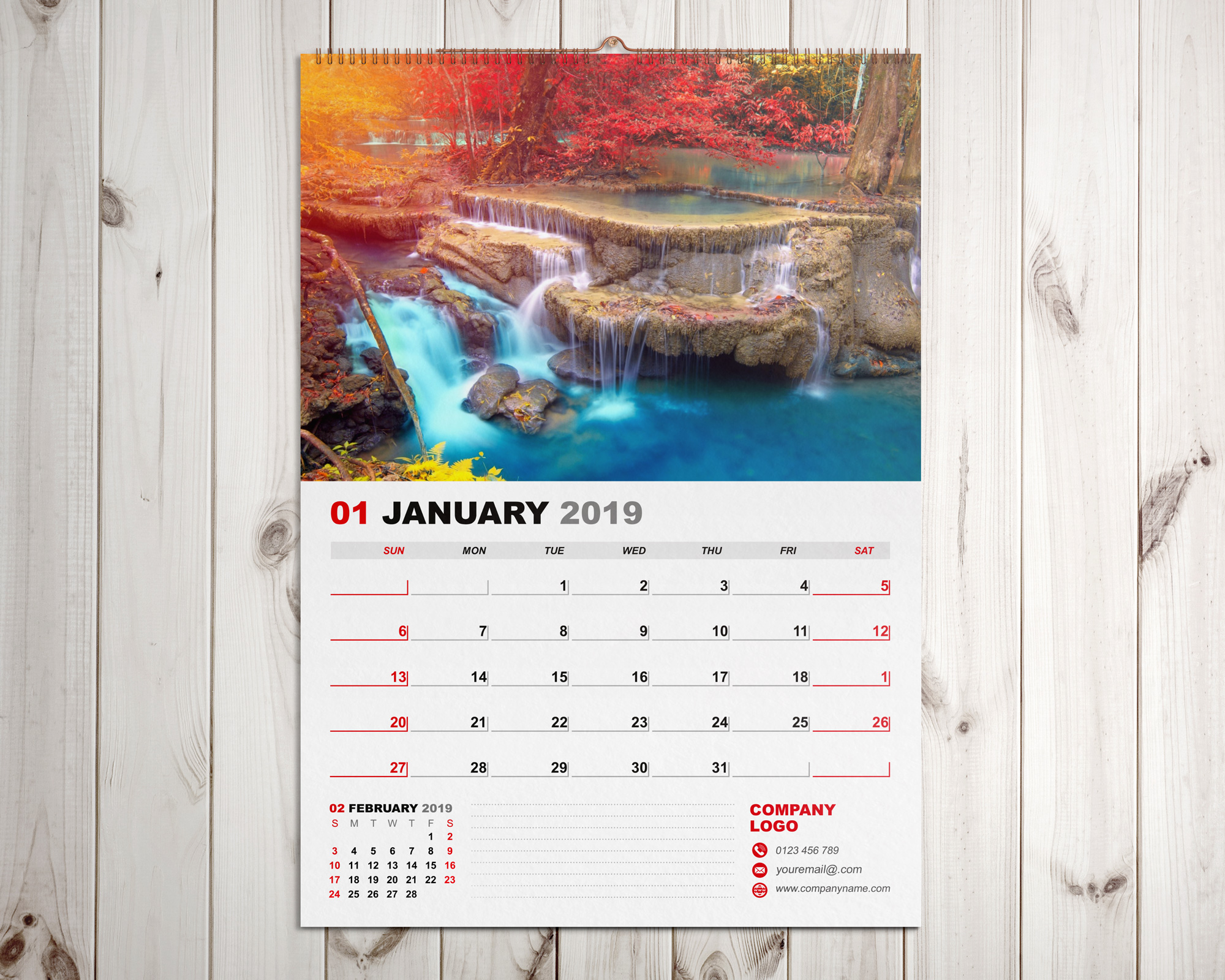
- Wall Calendar: If you are looking for the best photo calendar, then wall calendar is the only choice for you. With a collection of your memories, your images, and photos, you can create the perfect choice for yourself. Find a company that will help you assemble all of your pictures in a single calendar. Furthermore, you can even decide the pictures that can be added to your choice of months.
- Desk Calendars: Our desks are one of the most used spaces in our houses. From working on creating our schedules, we make use of our desks for various reasons and things. And this is why it makes sense to have a personalized desk calendar for ourselves. Also known as tent calendars, you can add your memories to your desk by ordering a desk calendar. By using specific pictures of yourself, your loved ones or your family, you can come up with the perfect design for your desk calendar.
- Desktop Calendar: Apart from our desks we make use of our computers and desktops extensively. Having a desktop calendar not only helps you keep track of your days and manage your schedule, it also helps you organize your time. While the efficiency of desktop calendars cannot be disputed, it always feels better to look at a familiar face. If you are the type of person who feels at ease after looking at a custom desktop calendar, then add some photos to them.
You can create your own desktop calendars for free by making use of various kinds of software or have a professional company do it for you.
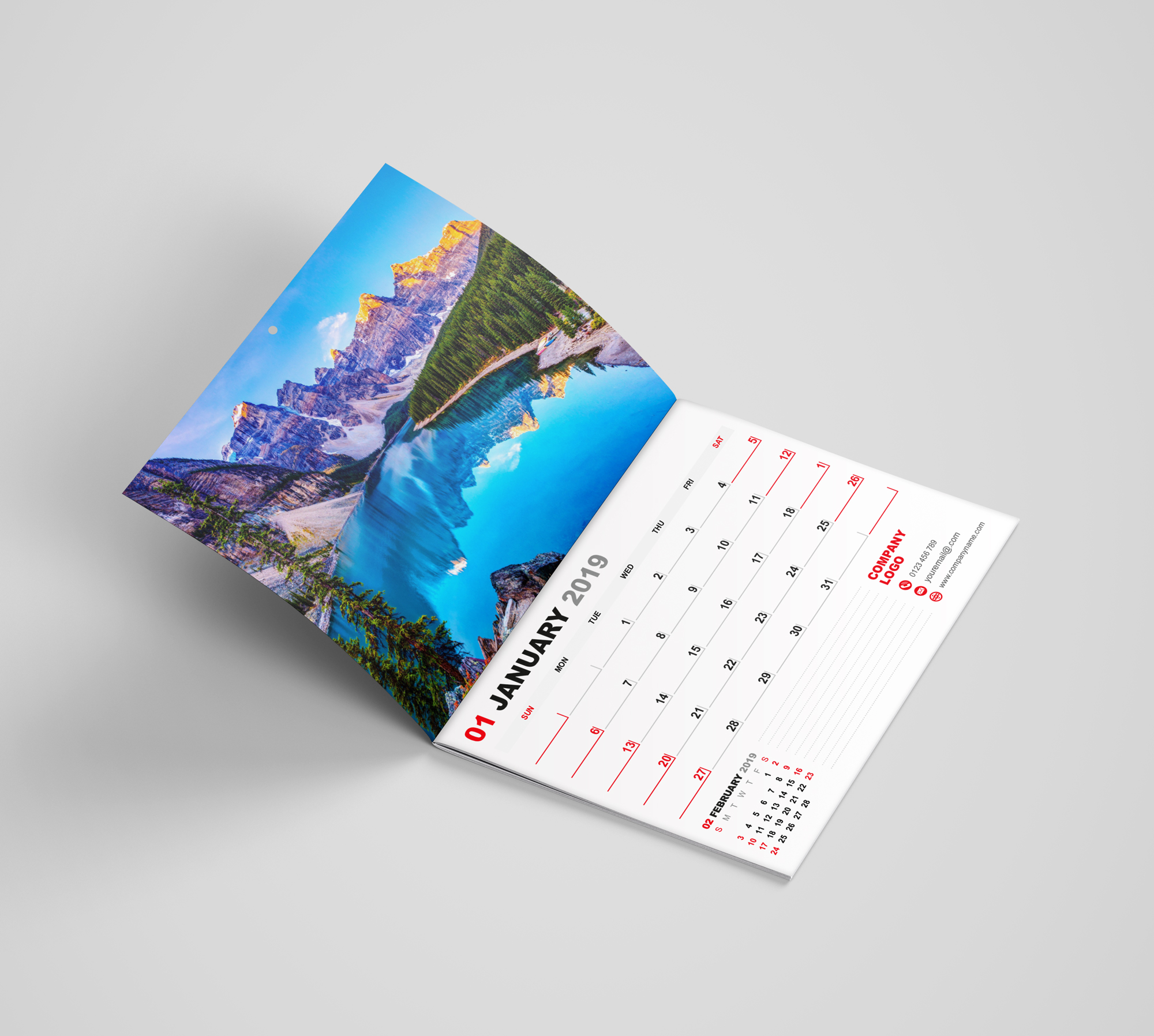
- Booklet Calendar: Available in various size variants, a booklet calendar is one of the handiest calendars to use. Easy to use and super light, this calendar can be taken anywhere. Without you having to worry about what day it is, you can plan your time accordingly. What’s more is that since this calendar is easy to handle and take with you, you can carry it in your bag or bag pack and add details of your tasks as they come by.
You can add images, pictures and memories to this type of a calendar as well. This is most efficient for all those who travel a lot and are away from their families. A photo booklet calendar helps you stay close to your family even when oceans keep you apart.
How to choose your best photo calendar?
While choosing your photo calendar, here are certain things to keep in mind:
- Choose the template for your calendar.
- Give clear instructions for your photo calendar to avoid disappointments.
- Offer a collection of images that you love.
- Make sure that your choice and instructions are crystal clear.
With the above-mentioned points in mind, make sure that you enjoy your calendar.
Photo calendars can be used for your personal use or can be given as presents to the people you care about.